

For many small business owners, obtaining a new customer or contract can be so exciting that it’s simple to ignore one of the difficulties that arises—project management. Task management software can help with that. You may create tasks, assign them to team members, establish due dates, and keep track of project progress by using a task management tool. Here’s how to locate and utilise task management tools for both straightforward and challenging assignments.
Table of Content
- What are task management apps?
- Features of task management apps
- Best task management apps
- Choosing the right app for you
- Important Advice
- Conclusion
What are task management apps?
Apps for task management are organisational tools that assist both people and teams in effectively and efficiently completing tasks and goals. Although each task management application has a different set of features, they all generally help you be more productive by offering scheduling options and device sync capabilities. While some applications are free, prices vary depending on the number of users and the sorts of accounts.
Features of task management apps
The following nine ways that task management apps, a class of productivity tools, can help you manage your projects more effectively:
- Create and arrange tasks:Using this tool, you may decide which tasks a project needs and then group them by team or department.
- Give team members tasks to complete: This enables you to assign particular tasks to the persons or groups that are most qualified to finish them.
- Sort tasks according to the demands of the project: You can mark items as important and order them higher on someone’s to-do list.
- Monitor project time: Some task management applications include time-tracking tools in their advanced features, which frequently include smooth platform integrations and real-time notifications. These enable project managers and staff members to keep track of the hours invested in a project.
- Oversee projects from start to finish: Workflow tracking capabilities for task management are available in many programmes. You could check to see if a marketing director has approved the topline budget for a campaign, for instance, and then later verify if another member of the marketing team has really used those money to officially launch the campaign.
- Programme routine duties: Routine tasks can be scheduled automatically using a task management programme.
- Communicate deadline reminders: Employees can be reminded of deadlines at each stage of the process using task management tools.
- Make task dependencies clear: When one work must be completed before another can be started, this is referred to as task dependency. For instance, purchasing supplies cannot start until a budget has been established. By connecting related tasks, a task management tool can assist you in managing dependent tasks and give your team an overview of the steps needed to complete each stage.
- Permit client entry: In certain circumstances, you might want to involve the client in the task management procedure. Some task management tools help project management teams oversee the actual work while also giving customers updates and view-only access.
Best task management apps
The type of work you do, the size of your team, and your budget will all affect which task management tool is best for your company. The top 7 task management solutions, which are suitable for a range of use scenarios, are listed below.
1. Trello
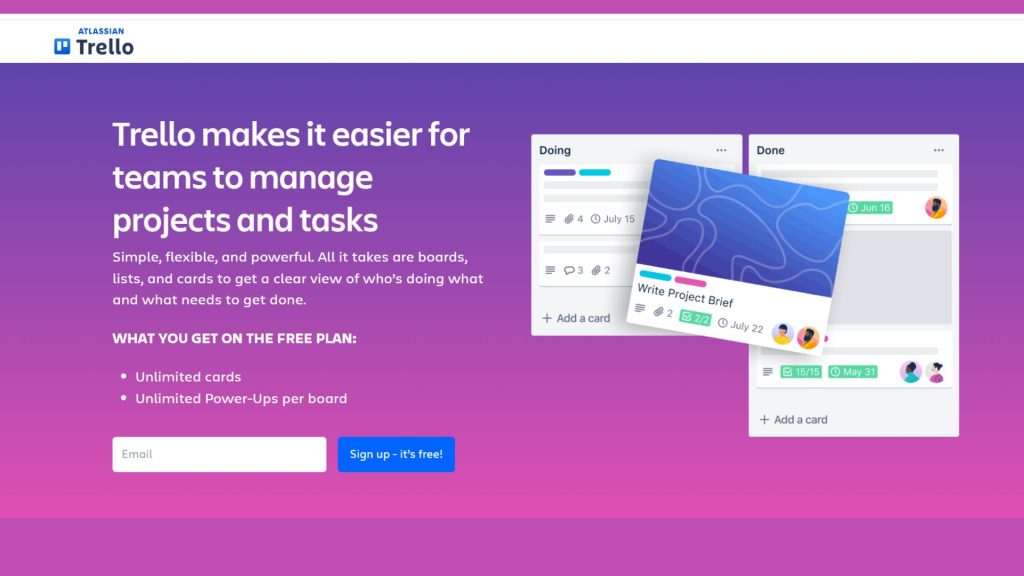
Trello works well for small, budget-conscious startups with straightforward task portfolios. A user-friendly task creation workflow, drag-and-drop project cards, and the capability to add comments to each job are a few of its standout features.
- Benefits: Easy communication, boards that are customised, and a simple UI.
- Features: Features include task cards, deadlines, file attachments, and Kanban-style boards for team collaboration.
- Price: Provides a basic feature-free version. Trello Business Class starts at $9.99 per user per month, and Trello Enterprise goes up to $17.50 per user per month for additional capabilities.
2. Google Tasks
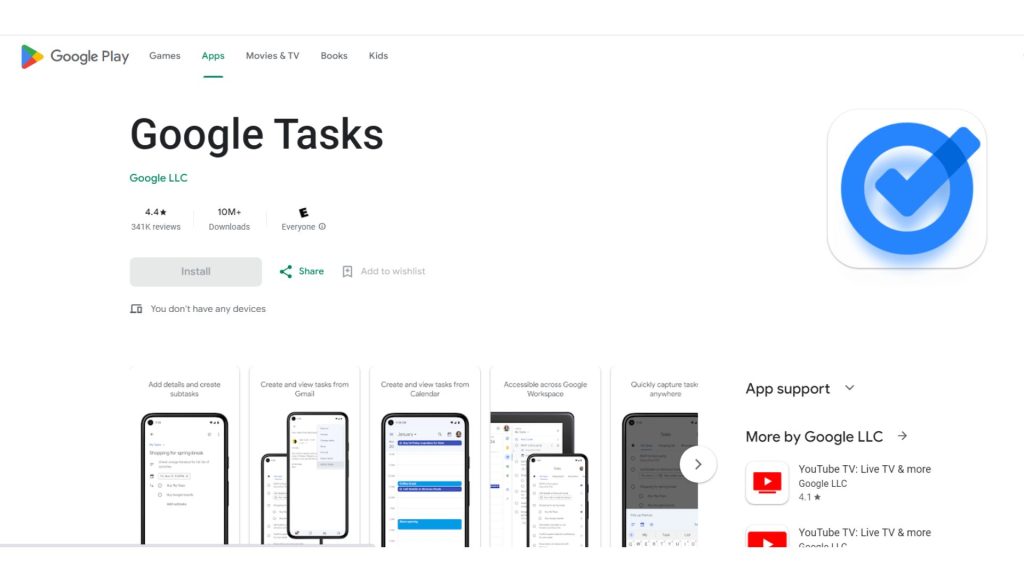
Google power users who want task reminders integrated into the tools they already use, or solo proprietors on a low budget, may find the free but constrained Google Tasks app appealing.
- Benefits: The programme enables complete connectivity with current Google Workspace products, such as Gmail, Google Calendar, and Google Drive, as well as scheduling that is incredibly intuitive and regular reminders for ongoing work. Additionally, it has a mobile standalone app.
- Features: The tool has a small functional range and only supports a single user. Google Tasks is not a viable option for project teams with multiple members.
- Price: Free of cost
3. Asana
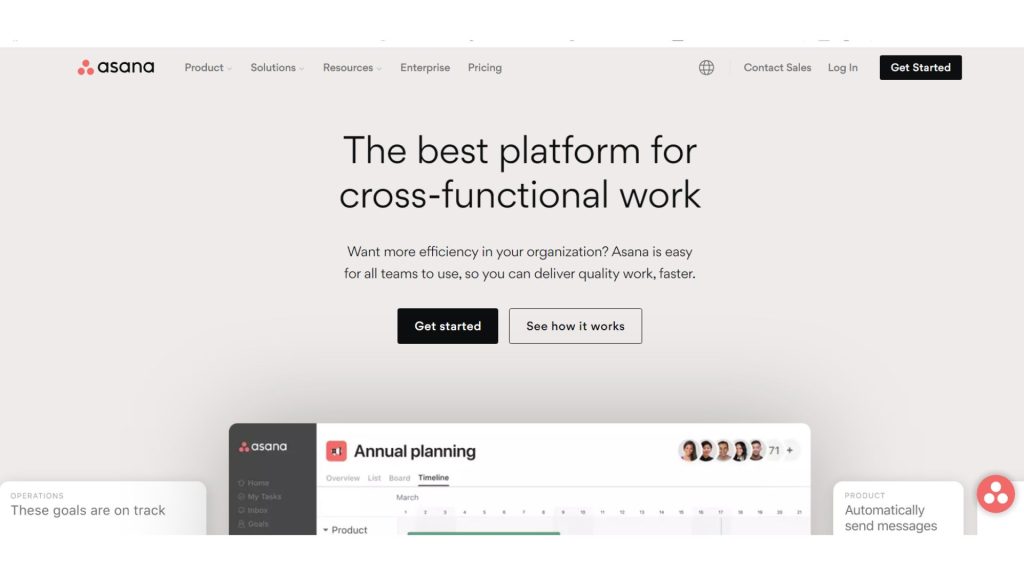
Asana has capabilities for assigning roles (such manager, programmer, or client liaison), budgeting, and scheduling, and its several project views will be appealing to a range of customers.
- Benefits: Strong project management skills, a variety of views, and integration choices are advantages.
- Features: Assignments of tasks, project deadlines, task dependencies, custom fields, and app connections are some of the features.
- Price: Provides a basic feature-free version. Premium and Business subscriptions start at $10.99 per user per month for more sophisticated capabilities, respectively
4. Todoist
For individuals or small teams in need of reasonably priced task management tools, Todoist works well. There are many different ways to display it, including lists, calendars, and Kanban boards. The optimal times of the day to complete tasks are recommended by the Smart Schedule tool, and task dependencies are graphically represented using Gantt charts.
- Benefits: A simple, intuitive design that is appropriate for both personal and professional use.
- Features: Recurring tasks, due dates, labels, project organisation, and task prioritisation.
- Price: Provides a basic feature-free version. Paid options begin at $3 per user per month for Todoist Premium and $5 per user per month for Todoist Business
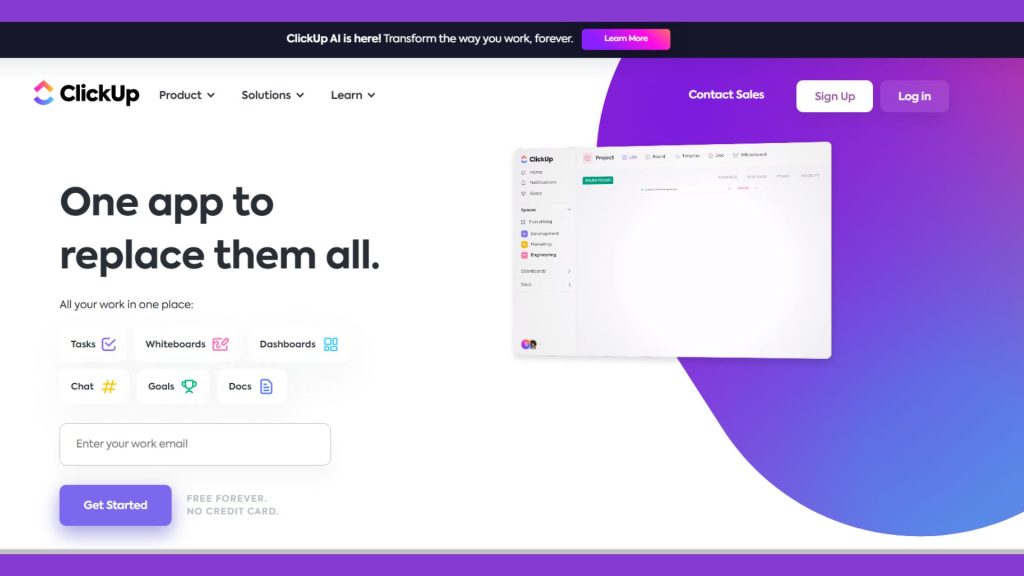
5. ClickUp
For medium-to-large teams who desire strength and adaptability in their task management solution, ClickUp is a solid option.
- Benefits: An all-in-one platform for task and project management that is highly customisable.
- Features: Include goal tracking, time tracking, integrations, and task views (list, board, calendar, and Gantt chart).
- Price: Provides a basic feature-free version. For advanced features, paid plans start at $5 per user per month (Unlimited) and $9 per user per month (Business)
6. Basecamp
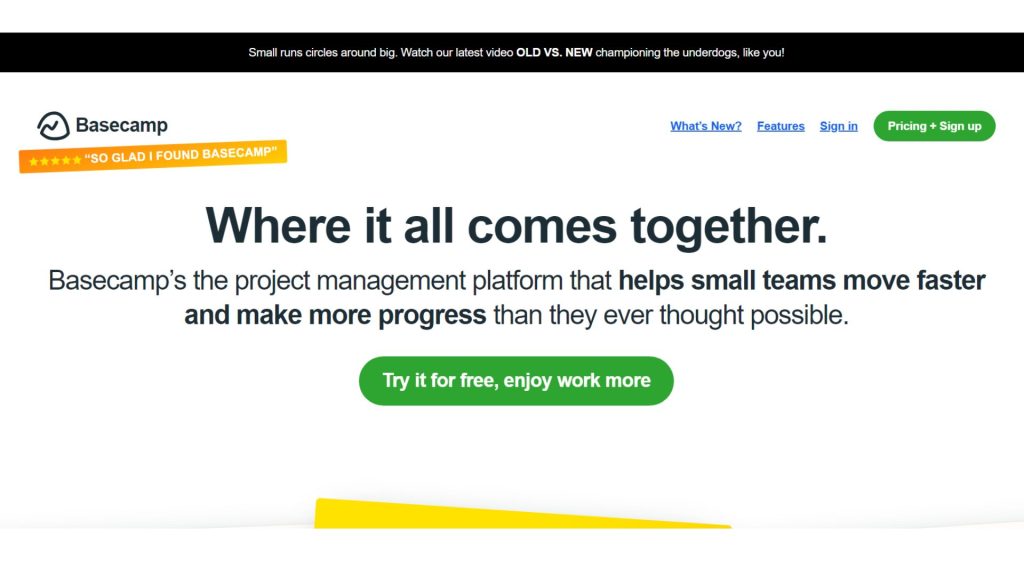
Basecamp is for teams working on projects with many tasks that must be completed in order for a project to move forward (such as website design projects that depend on deliverables from a graphics team). It is also for teams with actively participating clients.
- Benefits: Tools for project management and communication are made simpler.
- Features: To-do lists, chat boards, document sharing, scheduling, and collaboration are among the features.
- Price: Provides unlimited users and projects for a set charge of $99 per month
7. Monday.com
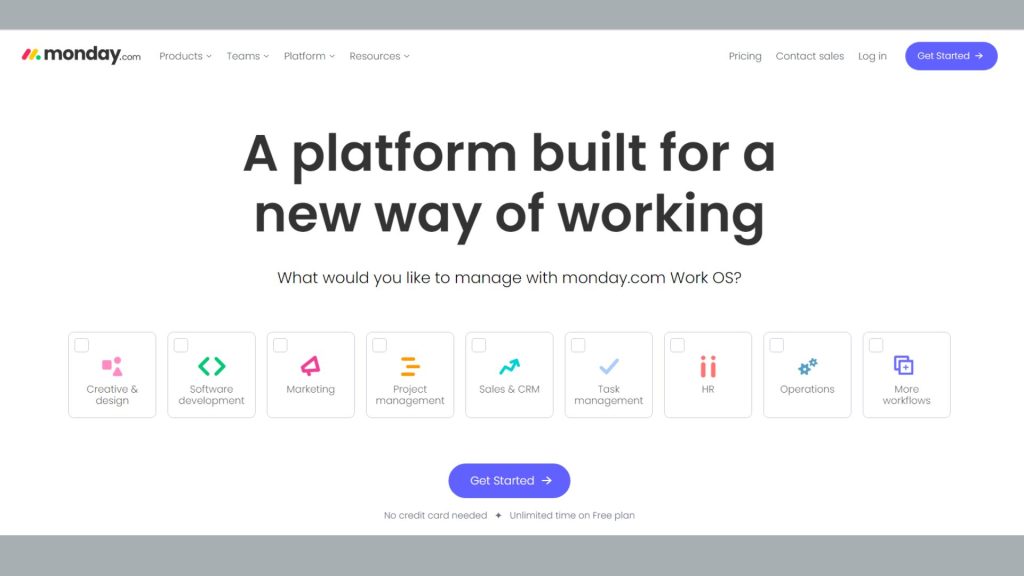
A flexible and customised platform for managing chores and projects is offered by Monday.com. You can customise workflows to meet your company’s needs using visual boards. It is especially appropriate for companies with distinctive procedures.
- Benefits: Visual interface that can be customised; excellent for team collaboration.
- Features: Workload management, timeline views, automation, integrations, and customisable boards.
- Price: Plans start at $8 per user per month for Basic and $10 per user per month for Standard, with higher levels offering more functionality.
Take into account aspects like the size of your team, the difficulty of the project, the need for integration, and the budget when selecting a task management tool for your small business. The majority of these applications include free or trial versions, so you can test them out and see which one best suits your company’s needs. Keep in mind that clear communication and well-defined processes go hand in hand with effective task management.
Choosing the right app for you
Your unique needs and financial situation will determine which task management tool is best for you. When selecting an app, take into account the following elements:
- Features: What characteristics are significant to you? Do you require time tracking, project management, team communication, or to-do lists?
- Usefulness: How user-friendly is the app? Will you and your team find it simple to use and learn?
- Cost: What is the app’s price? Are there any solutions that are free or inexpensive?
- Integrations: Can you use this app with other apps you already own? Having all of your duties and projects in one place might be advantageous.
Important Advice
- Sync with business goals: Make sure your business’s goals and procedures are aligned with the task management tool you choose. Instead of completely redoing your routine, pick an app that enhances it.
- Start Simple: Although some apps offer a wide range of capabilities, it is best to begin with the fundamentals. Overwhelming your team with complex tools too soon can prevent adoption. As your team grows more at ease, gradually introduce more sophisticated features.
- Friendly User Interface: Choose a mobile app with a simple, user-friendly UI. A complicated or cluttered interface can cause confusion and lower productivity. The app shouldn’t add new hurdles; it should increase efficiency.
- Team Collaboration: If your company has a large team, you should give priority to apps with strong collaboration tools. These tools promote productive teamwork by facilitating communication, file sharing, and real-time updates.
- Options for customization: Every business has distinct procedures and requirements. To personalise the tool to your unique requirements, look for apps that offer customization choices.
- Options for Customization: Every company has different procedures and requirements. To personalise the tool to your unique requirements, look for apps that offer customization choices.
- Integration Skills: Verify if the app interfaces with other programmes that your company utilises. Your workflow can be streamlined by easy integration with technologies like calendars, email clients, and project management software.
Conclusion
The task management landscape has changed substantially, and small business owners now have a wide range of effective solutions at their disposal to improve efficiency, streamline operations, and accomplish their objectives more successfully. The best 7 task management apps included in this review have a wide variety of functions to meet the demands and preferences of various businesses. These apps excel in offering user-friendly interfaces and powerful functions, regardless of whether they are used for team collaboration, project tracking, deadline management, or resource allocation.
Join us as you begin your Shopify journey
We are e-commerce specialists and Shopify Partners. Get in touch with us if you need assistance with Shopify, need a whole website built, or have any other general questions.