
WordPress is a platform that enables designers and businesspeople from all over the world to create and publish their own websites and blogs.
There are several turn-key ecommerce plug-ins for WordPress currently available, so you won’t have to give up your favourite platform if you love using it for content creation and community building but want to go into commerce. Here are a few well-liked, reliable choices for converting your current WordPress website into a storefront that is prepared for checkout.
Table of Contents
- What is required to use WordPress e-commerce plug-ins
- How to Pick the Best WordPress Ecommerce Plugin
- The Top 6 WordPress Ecommerce Plugins
- How to Use Plugins for WordPress Ecommerce
- Additional tips
- Conclusion
- FAQs
What is required to use wordPress e-commerce plugins
A WordPress ecommerce plug-in cannot be added to any old website. It has to be a website developed using the WordPress software. Beyond that, you should make sure WordPress is current and safe on your website.
You should be aware of the products you are selling. While some plug-ins are only compatible with digital or physical products, others support both. Some, like subscription-based businesses, are also designed exclusively for recurring payments. As a result, you should determine if you require recurrent payments or not.
Last but not least, it’s critical to comprehend where you’re selling. Some plug-ins are capable of managing both domestic and foreign sales of any kind. Others, though, will only apply to domestic sales.
How to pick the best WordPress ecommerce plugin
WordPress is a well-liked content management system (CMS) that can be used to develop different types of websites, including online shops. Choosing the best WordPress ecommerce plugin for your needs might be challenging because there are so many different options available.
The following are some things to take into account while selecting a WordPress ecommerce plugin:
- The kinds of products you market. While some plugins work better when selling physical prducts, some work better when selling digital products.
- The attributes you require. Think about the features you value, such as the capacity to accept a variety of payment options, provide discounts and coupons, and keep track of inventory.
- Your budget. Ecommerce plugins can cost anything from nothing to several hundred dollars.
- The level of support you require. More support is provided by certain plugins than others. Make sure the plugin you select provides you with the assistance you require.
The Top 6 WordPress Ecommerce Plugins
Here are top 6 wordpress Ecommerce plugins that can help you launch and develop your online store.
1. Shopify Buy Button Ecommerce
Best of Both Worlds
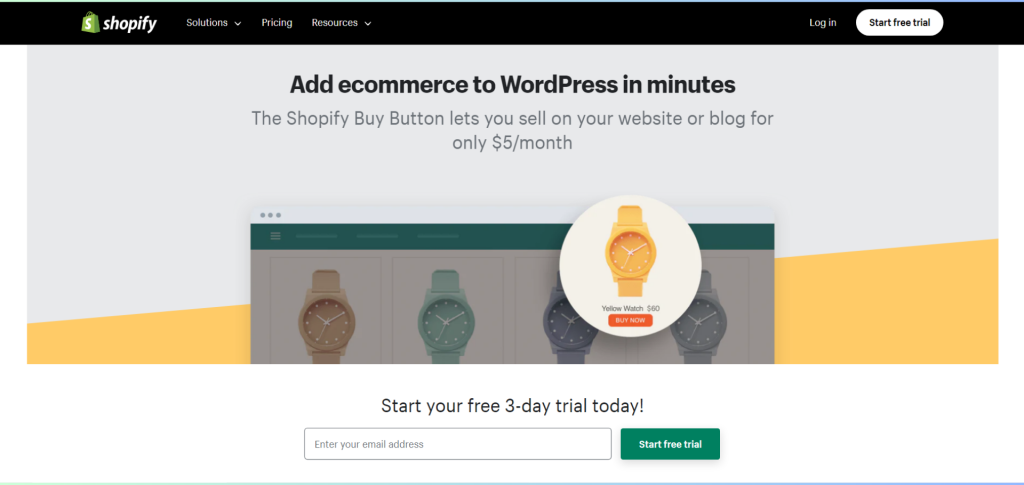
A useful e-commerce tool provided by Shopify, a well-liked platform for building online stores, is the Shopify Buy Button. It gives retailers the ability to incorporate and directly sell their products on other websites, blogs, or social media channels. Businesses can easily convert any webpage into a point of sale with the Buy Button, enabling customers to browse, pick, and buy products without leaving the current website. This functionality helps business owners reach and engage customers across a variety of online platforms by enabling them to extend their online presence beyond their primary Shopify store.
Shopify for WordPress is the best option if you already like Shopify’s e-commerce features and want to use WordPress for content management. With this integration, you can use Shopify’s powerful e-commerce capabilities while easily integrating them into your WordPress website. You don’t have to give up on performance or design to achieve a cohesive shopping experience.
All you need to do to start selling with the Shopify Buy Button is copy and paste the code onto your WordPress website. Even the style and feel can be altered to match what you’ve already produced.
Features
- For each product in your Shopify catalogue, create a Buy Button.
- Add your own text, colours, and branding to the Buy Button.
- Any website or blog can contain the Buy Button.
- Using your Shopify admin, track orders using the Buy Button.
- Pay for orders placed with the Buy Button using your Shopify payment gateway.
Price
- All Shopify subscription options, including the Starter plan, which costs just $5 per month, have the Buy Button feature.
- There is no transaction fee for Buy Button orders.
Trial
For three days, you can use the Shopify Buy Button for free. No credit card is necessary.
2. Easy Digital Downloads (EDD)
Perfect for Digital Products
Easy Digital Downloads is the perfect solution if the core of your online store’s operations is the sale of digital goods like music, software, or ebooks. It’s intended to simplify the exchange and delivery of digital products. You may control licences, provide discounts, and monitor download activity with EDD. It’s a wonderful solution for digital entrepreneurs due to its simplicity and unique capabilities.
Features
- Sell any kind of digital product, such as eBooks, software, music, fonts, and more.
- Take credit cards using more than 20 different payment processors, such as PayPal, Stripe, and Amazon Payments.
- To prevent unauthorised access, use digital rights management (DRM) to secure your items.
- To draw in more customers and increase sales, create coupons and discounts.
- Utilise thorough reports to monitor your sales and revenue.
- Easily manage your clients and orders.
- With a choice of themes and extensions, you may alter the appearance and feel of your store.
Price
The price tag of EDD’s premium edition is as follows:
- Personal: $99 yearly.
- Business: $199 per year.
- Professional: $299 per year.
There is a 14-day money-back guarantee on all plans.
Trial
However, you can use the free version of EDD indefinitely. EDD does not provide a free trial for the Pro plan.
3. WP eCommerce
Customization and Flexibility
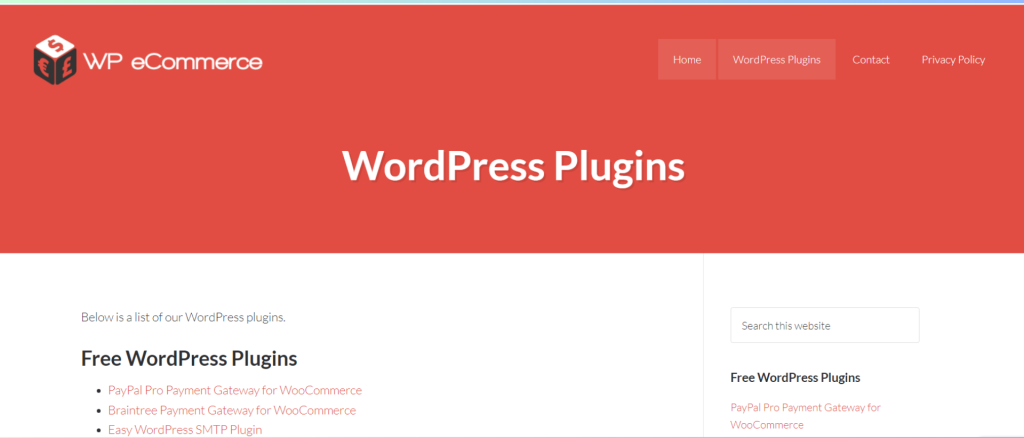
WP eCommerce offers a fully configurable ecommerce solution that gives you total control over the look and functionality of your business. It provides integration with well-known payment systems, inventory control, and a range of shipping choices. WP eCommerce can be the ideal choice if you have certain needs and want to customise your store to reflect the style of your business.
Features
- Sell both physical and digital products.
- Accept payments from numerous payment processors, such as PayPal, Stripe, and Square.
- Make product modifications and sales.
- Organise shipping and inventory.
- Keep tabs on sales and orders.
- Utilise plugins and themes to personalise your store.
- Make your store mobile-friendly.
Price
- WordPress.com: A $25 monthly fee is required for the WordPress.com eCommerce plan. A free domain name, limitless bandwidth, and 50GB of storage are all included in this service.
- WooCommerce: WooCommerce is a free plugin, however a domain registration and web hosting are required. Additional features can be added through a number of premium WooCommerce extensions.
Trial
WordPress.com: The WordPress.com eCommerce plan does not offer a free trial. A 14-day free trial of the WordPress.com Personal plan, which comes with a simple website builder, is available.
4. BigCommerce
Scalability and Performance
BigCommerce provides a scalable solution for companies who expect quick growth. It is renowned for putting a priority on scalability, security, and performance. BigCommerce makes sure that your online store has a pleasing appearance and works well on a variety of devices with a wide range of configurable themes and adaptable designs. The platform is a fantastic option for ambitious business owners because it also offers multi-channel selling.

Features
- Shipping and order fulfilment are simple to set up for your orders using BigCommerce. You can interface with your favourite fulfilment service and pick from a choice of shipping providers.
- BigCommerce provides a range of marketing and SEO tools to assist you in promoting your store and increasing website traffic. These methods include email marketing, abandoned cart recovery, and SEO enhancement.
- BigCommerce is completely mobile-optimized, allowing your consumers to browse and buy from their smartphones and tablets.
- BigCommerce provides 24/7 phone, email, and live chat customer service.
Pricing
Four pricing plans are available from BigCommerce:
- Standard: $39 per month for annual billing or $49 per month for monthly billing.
- Plus: $79 per month (paid annually) or $99 per month (billed each month).
- Pro: $399 per month or $299 per month (paid annually).
- Enterprise: For price, contact BigCommerce.
Small companies with modest sales can consider the Standard plan. Features like abandoned cart recovery, gift cards, and international shipping are added with the Plus plan. For medium-sized firms with strong sales volumes, the Pro plan is an excellent choice. The Enterprise plan is a special package created for significant organisations with intricate requirements.
Trial
A 15-day free trial is available from BigCommerce. This provides you with sufficient time to test the platform and determine whether it is a products fit for your company.
5. Ecwid Ecommerce Cart
Easy Integration
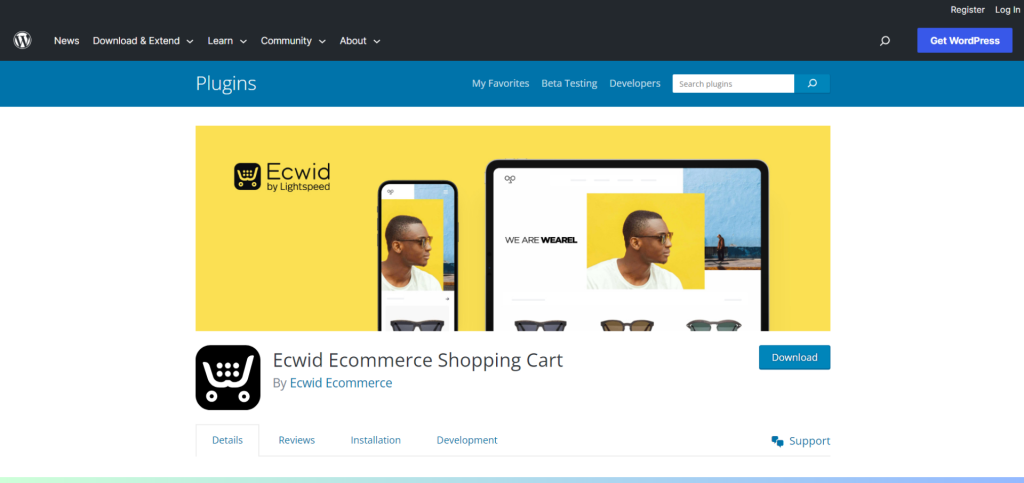
Ecwid is renowned for its ability to seamlessly integrate. Whether your website was created using WordPress, Wix, or another platform, it can be added to your current one. This makes it a flexible choice for companies looking to add ecommerce capabilities without completely redesigning their websites. Ecwid provides options like support for numerous currencies, worldwide delivery, and inventory management.
Features
- Sell multiple items as you want.
- Accept money transfers from more than 40 payment processors, such as PayPal, Stripe, and Square.
- Send your products with more than 250 shipping companies.
- Automate your inventory, taxes, and delivery.
- Utilise themes and templates that are adaptable to create lovely stores.
- From anywhere, manage your orders, clients, and items.
- Access Ecwid’s 24/7 customer service for assistance.
Price
- Free plan: Offer up to 5 items.
- Venture plan: $19 per month, allows you to sell up to 100 items
- Business plan: $39 per month, enables you to sell 2,500 items
- Unlimited plan: $99/month, enables you to sell an endless supply of products.
Trial
All plans in Ecwid come with a free 15-day trial.
6. Membership
Membership and Subscription Focus
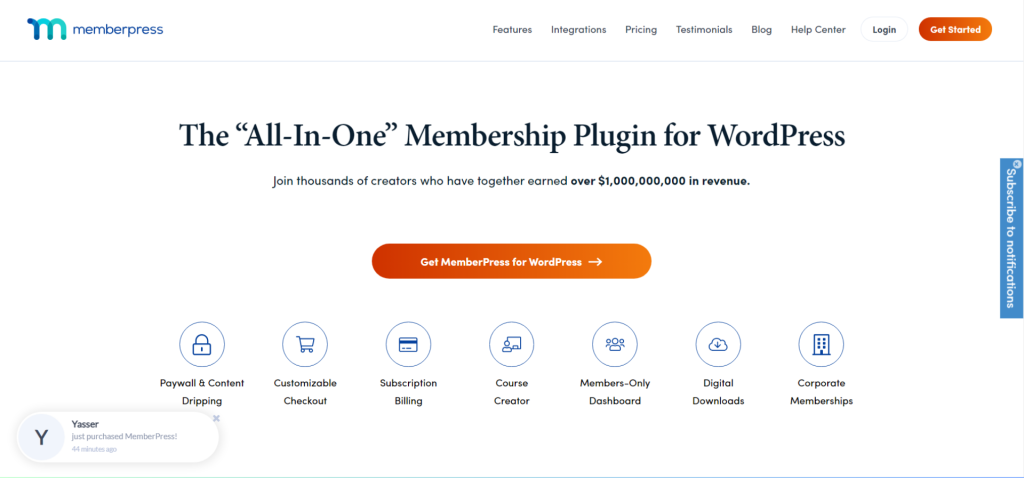
MemberPress is the plugin you need if your business is based on memberships and subscriptions. You may control access to your premium material, drip content, and establish and manage subscription plans. MemberPress simplifies the user experience and provides secure access regardless of whether you’re managing an online course, a digital community, or a content subscription business.
Features
- Different membership levels with varying content and access limitations can be created and managed.
- Take PayPal, Stripe, Authorize.net, and other payment methods.
- Offer recurring memberships and free trials.
- Establish paywalls to secure your material.
- Monitor sales and member activities.
- Members should receive automated emails.
- Integrate with well-liked WordPress plugins like LearnDash and WooCommerce.
Pricing
Three pricing tiers are provided by MemberPress:
- Basic: $179.50 per year
- Plus: $299.50 per year
- Pro: $399.50 yearly
All options come with free updates, unlimited memberships, and no transaction costs. Additional features including corporate accounts, gift memberships, and Authorize.net connection are also included in the Plus and Pro tiers.
Trial
There isn’t a risk-free trial period for MemberPress. However, if you are unhappy with the plugin, you have a 14-day money-back guarantee.
How to Use Plugins for WordPress Ecommerce
You must set up and customise your WordPress e-commerce plugin once you’ve made your choice. Depending on the plugin you select, the precise processes will change, however the following basic advice applies:
- Install and turn on the plugin.
- Add merchandise to your shop.
- Configure the payment processing.
- Make your store’s appearance and atmosphere unique.
- Promote your shop and begin to sell!
You may find a lot of information on using WordPress e-commerce plugins online. There are many lessons and articles online, and the plugin documentation is a wonderful place to start.
Additional tips
Additional Advice for Using WordPress eCommerce Plugins:
- Before choosing, consider features and read reviews.
- Verify the plugin’s compatibility with the WordPress version you are using.
- Examine the support settings and documentation for the plugin.
- Update the plugin frequently to maintain compatibility and security.
- Prior to any modifications, regularly backup your website.
You may select the ideal WordPress eCommerce plugin and prevent any future issues by using the advice in this article.
Conclusion
Making the best ecommerce plugin selection for your WordPress website is crucial since it may have a big impact on how successful your online store is. Each of the top 7 plugins included in this post offers distinctive features and advantages that are tailored to various business models and requirements. Take into account your products, target market, scalability needs, and budget before making a choice. Utilise the advantages of the ideal plugin once you’ve selected it to give your consumers a seamless, secure, and pleasurable online buying experience. Your WordPress ecommerce adventure is sure to be successful if you have the proper plugin.
FAQs
Q1: What are WordPress Ecommerce Plugins?
WordPress Ecommerce plugins are solutions that increase a WordPress website’s capabilities to support online sales. They offer tools that make it simpler to set up and operate an online store, like product management, shopping carts, payment gateways, and others.
Q2: Why should I use e-commerce plugins for my WordPress site?
Ecommerce plugins make it easier to set up and run an online store on your WordPress website. They provide a variety of services that improve the user experience for both you and your consumers, from product presentation to secure payment processing.
Q3: Which are the top 6 WordPress plugins for online shopping?
Shopify Buy Button, Easy Digital Downloads, BigCommerce, WP eCommerce, Ecwid Ecommerce Shopping Cart, and MemberPress are the top 6 WordPress Ecommerce plugins in terms of popularity and functionality.
Q4: How can I pick the best e-commerce plugin for my website?
Take into account your products’ type (physical or digital), budget, necessary features (such as delivery choices, payment gateways), usability, and compatibility with your site’s theme while selecting the best plugin.
Join us as you begin your Shopify journey
We are e-commerce specialists and Shopify Partners. Get in touch with us if you need assistance with Shopify, need a whole website built, or have any other general questions.