
Starting a drop shipping store sounds simple: choose products, add them to your Shopify store, promote them, and wait for orders. But once sales start coming in, managing products, suppliers, inventory, orders, customers, and marketing can quickly become overwhelming.
The good news is that you don’t have to manage everything manually. Shopify apps can automate many time-consuming tasks and make your dropshipping business easier to run and scale.
From finding reliable products and suppliers to recovering abandoned carts and tracking orders, the right apps can help you save time, reduce errors, and create a better shopping experience.
In this guide, we’ll explore some of the most useful types of Shopify apps for dropshipping and how they can simplify your day-to-day operations.
Table of Content
- Why Shopify Apps Matter for Dropshipping
- 1. Product Sourcing Apps
- 2. Inventory Management Apps
- 3. Order Automation Apps
- 4. Shipping and Order Tracking Apps
- 5. Product Review Apps
- 6. Email Marketing Apps
- 7. Abandoned Cart Recovery Apps
- 8. Upselling and Cross-Selling Apps
- 9. Customer Support Apps
- 10. Marketing and Automation Apps
- 11. SEO Apps
- 12. Analytics Apps
- How to Choose the Right Shopify Apps for Dropshipping
- Final Thoughts
Why Shopify Apps Matter for Dropshipping
Dropshipping involves several moving parts. Unlike traditional ecommerce, you don’t keep your products in your own warehouse. Instead, a supplier handles inventory and usually ships products directly to your customers.
This model can reduce upfront costs, but it also creates challenges such as:
- Finding profitable products
- Managing supplier relationships
- Keeping product information updated
- Tracking inventory
- Processing orders
- Monitoring shipments
- Handling customer questions
- Recovering abandoned carts
- Creating effective marketing campaigns
Shopify apps can connect these different parts of your store and automate repetitive work.
Instead of spending hours completing routine tasks, you can use apps to handle many processes automatically while you focus on marketing, customer experience, and growing your business.
1. Product Sourcing Apps
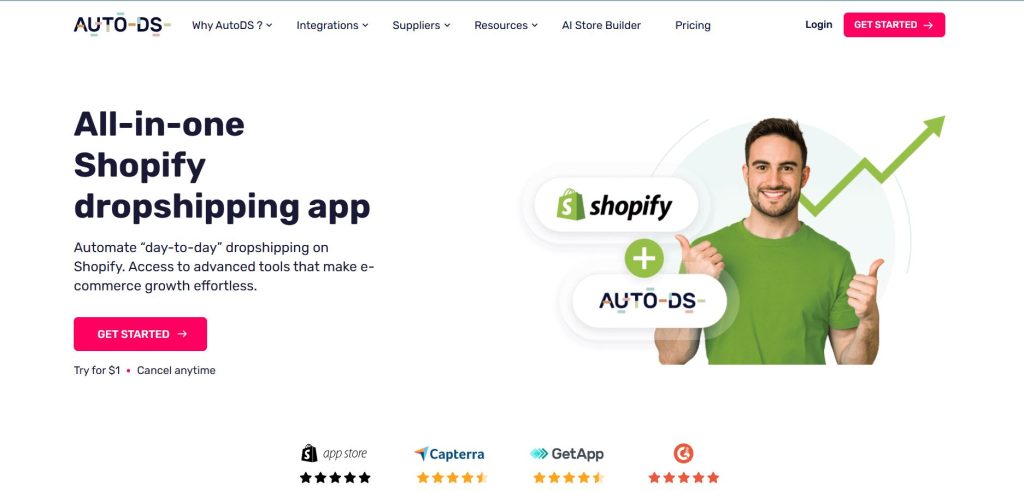
Product sourcing apps can make this process easier by helping you discover products, import product information, and connect your store with suppliers.
One of the first challenges in dropshipping is finding products that customers actually want to buy.
Key Features
A useful product sourcing app may offer:
- Product discovery
- Supplier connections
- One-click product importing
- Product descriptions and images
- Inventory synchronization
- Automated order processing
- Supplier and product information
Instead of manually searching for products and entering every detail into Shopify, you can streamline much of the process.
Why It Helps
Product sourcing apps are especially useful when you’re testing multiple products. They allow you to spend less time on product setup and more time analyzing demand, pricing, and marketing opportunities.
2. Inventory Management Apps
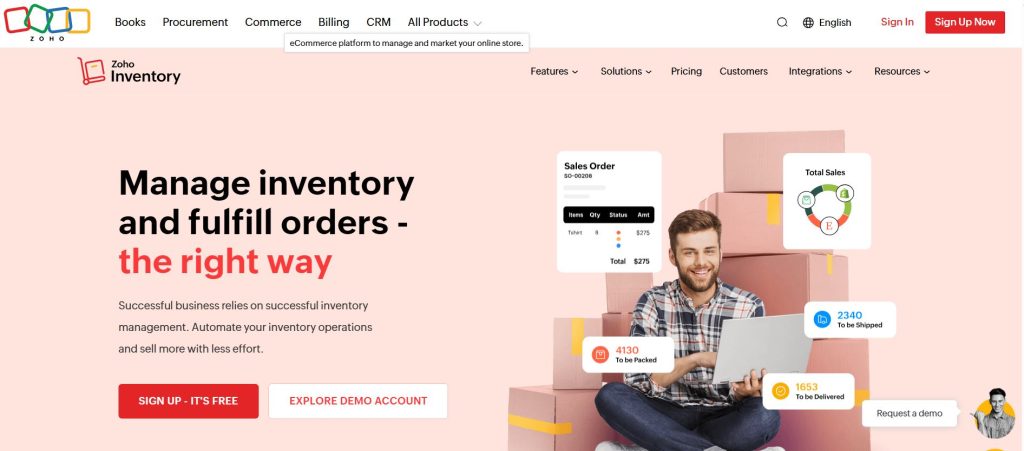
Inventory management is another important part of running a successful dropshipping store.
Even though you don’t physically hold the inventory, you still need to know whether your supplier has products available. Selling an item that is suddenly out of stock can result in cancelled orders, refunds, and unhappy customers.
Inventory management apps can help synchronize product availability between your suppliers and Shopify store.
Key Features
Look for apps that provide:
- Real-time inventory updates
- Automatic stock synchronization
- Low-stock notifications
- Multiple supplier support
- Automatic product status updates
- Inventory monitoring
Why It Helps
When inventory information is updated automatically, you don’t have to constantly check supplier websites manually.
This can reduce overselling and help keep your product catalogue more accurate.
3. Order Automation Apps
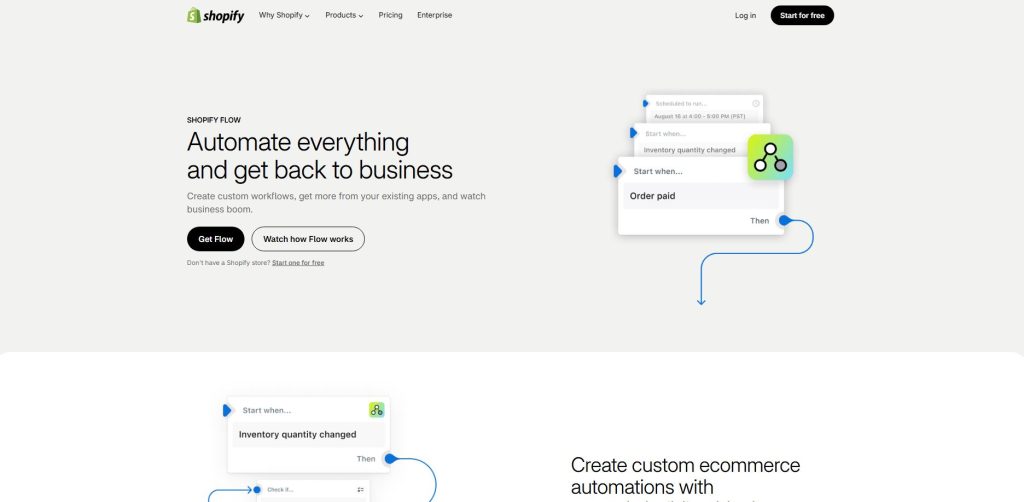
Order automation apps help simplify this process by transferring order information to suppliers and automating parts of the fulfillment workflow.
Key Features
Depending on the app, you may get:
- Automatic order forwarding
- Bulk order processing
- Supplier integration
- Order status synchronization
- Automated fulfillment updates
- Tracking number synchronization
Why It Helps
Automation becomes particularly valuable as your store grows.
If you’re processing a large number of orders, reducing manual data entry can save significant time and minimize mistakes.
4. Shipping and Order Tracking Apps
After a customer places an order, they want to know one thing:
“Where is my order?”
For dropshipping businesses, this question can be especially important because shipping times may vary depending on suppliers and locations.
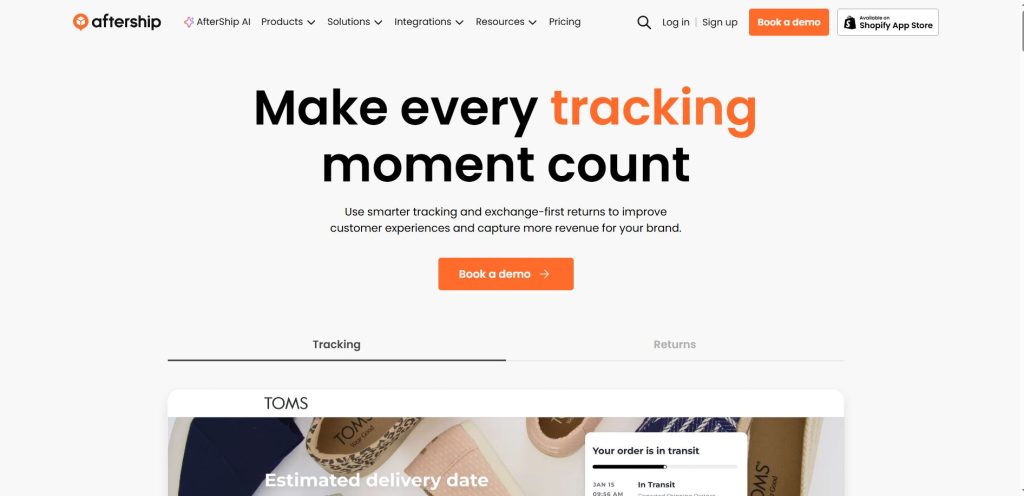
Order tracking apps can provide customers with shipment updates and tracking information through a branded tracking page.
Key Features
Useful features can include:
- Real-time tracking
- Branded tracking pages
- Automatic shipping notifications
- Multiple carrier support
- Delivery status updates
- Estimated delivery information
Why It Helps
Better tracking doesn’t just reduce customer questions. It can also make your store appear more professional and transparent.
Instead of repeatedly asking about an order, customers can check their shipment status themselves.
5. Product Review Apps
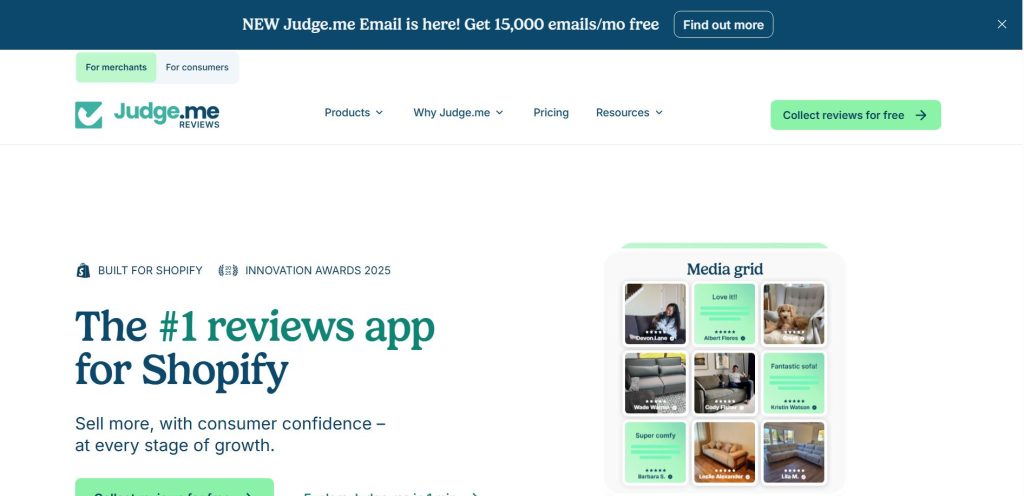
Product review apps allow you to display customer reviews, ratings, photos, and other forms of social proof.
When customers visit a new dropshipping store, they may hesitate before making a purchase.
They don’t know your brand yet, so reviews and customer feedback can help build trust
Key Features
Look for:
- Star ratings
- Customer photo reviews
- Review widgets
- Review request emails
- Review moderation
- Product-specific reviews
Why It Helps
Social proof can make your product pages feel more trustworthy.
However, reviews should always represent genuine customer experiences. Avoid using misleading or fabricated reviews simply to make products appear more popular.
6. Email Marketing Apps
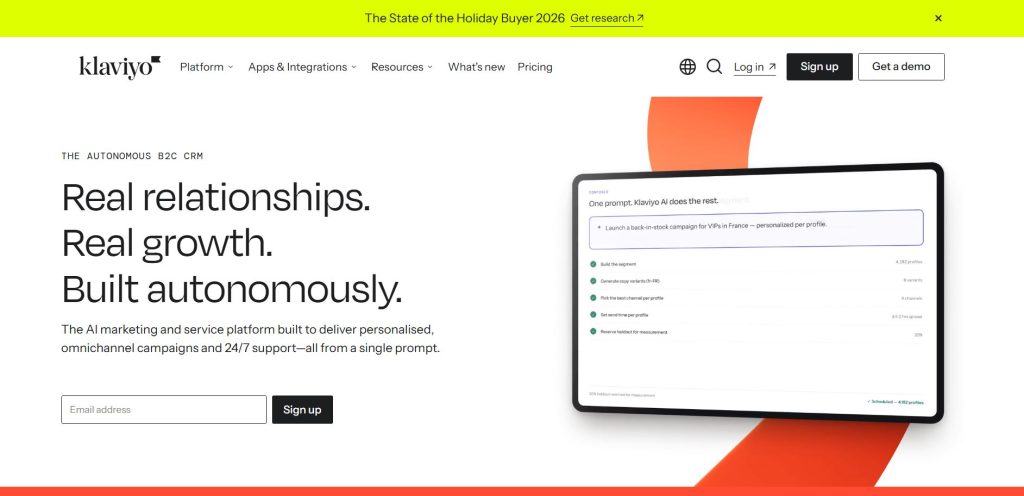
Email marketing apps can help you create automated campaigns for different stages of the customer journey.
Getting visitors to your store is only part of the job.
You also need to stay connected with people who visit your store but don’t purchase immediately.
Useful Email Automations
You can create campaigns for:
- Welcome emails
- Abandoned carts
- Abandoned checkouts
- Post-purchase follow-ups
- Product recommendations
- Customer win-back campaigns
- Promotional offers
Why It Helps
Automation allows you to communicate with customers without manually sending every email.
For example, if someone adds a product to their cart but doesn’t complete checkout, an automated reminder can encourage them to return to your store.
7. Abandoned Cart Recovery Apps
Abandoned cart recovery apps can automatically remind these shoppers about their unfinished purchases.
Not every shopper who adds an item to their cart completes the purchase.
Some leave because they’re distracted. Others want to compare prices, need more time, or simply forget.
Key Features
Depending on the app, you may be able to create:
- Automated email reminders
- Discount-based recovery campaigns
- Exit-intent messages
- Personalized cart reminders
- Recovery analytics
Why It Helps
You have already invested effort and money into bringing visitors to your store. Recovering some of the shoppers who leave without purchasing can help you get more value from that traffic.
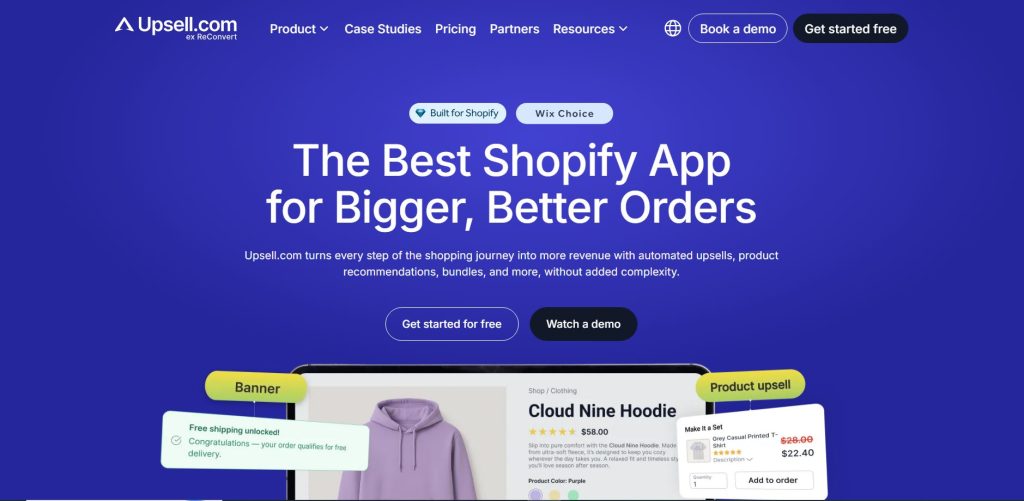
8. Upselling and Cross-Selling Apps
Upselling and cross-selling apps automate these recommendations.
Once a customer decides to purchase, you can potentially increase the value of the order by showing relevant products.
For example, if someone buys a phone case, you could recommend a screen protector or charging accessory.
Key Features
They may offer:
- Frequently bought together recommendations
- Product bundles
- Post-purchase offers
- Cart upsells
- Related product recommendations
- Discounted bundles
Why It Helps
Instead of relying entirely on customers to discover additional products themselves, you can strategically present relevant recommendations throughout the shopping journey.
The key is relevance. Too many unrelated offers can make the shopping experience frustrating.
9. Customer Support Apps
Customer questions are inevitable in dropshipping.
Customers may ask about:
- Shipping times
- Product details
- Returns
- Order status
- Payment
- Product availability
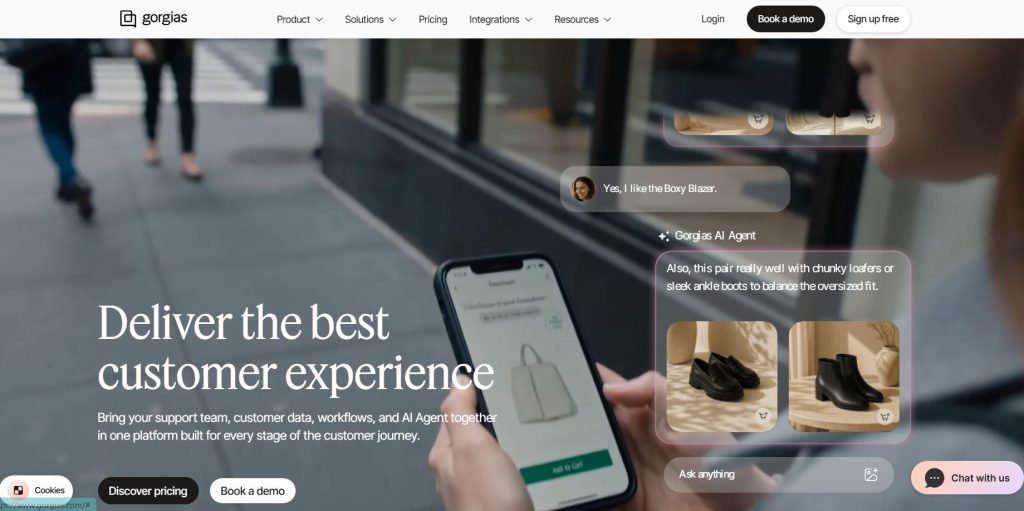
A customer support or live-chat app can help you manage these conversations more efficiently.
Key Features
Look for:
- Live chat
- Automated FAQs
- Chatbots
- Order lookup
- Support ticket management
- Messenger or social integrations
Why It Helps
Fast and clear communication can improve the customer experience and reduce repetitive questions.
You can also create automated responses for frequently asked questions, allowing customers to find basic information without waiting for a support agent.
10. Marketing and Automation Apps
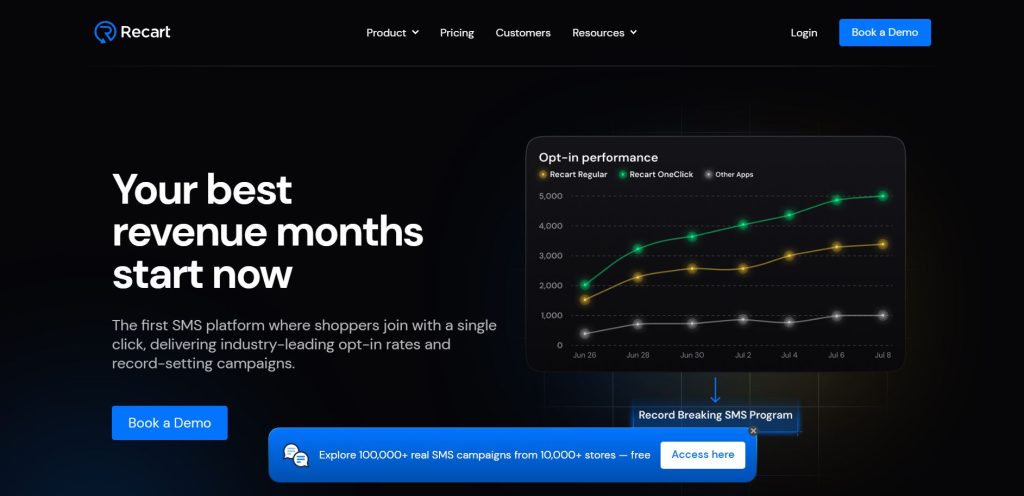
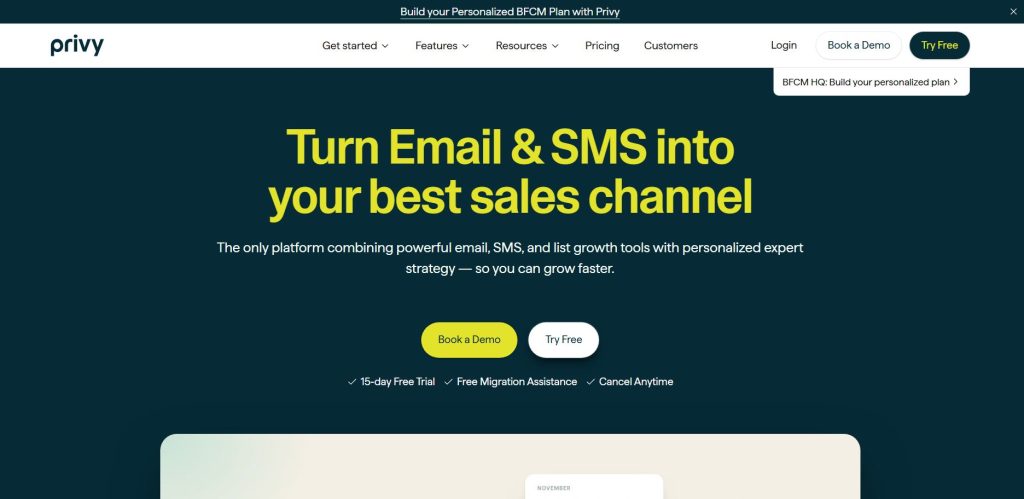
Marketing automation apps can help with different promotional activities, including email campaigns, customer segmentation, pop-ups, and personalized offers.
Running a dropshipping store involves more than managing products and orders. You also need to attract customers.
Key Features
Depending on the app, you may find:
- Customer segmentation
- Automated campaigns
- Promotional pop-ups
- Personalized recommendations
- Marketing analytics
- Lead collection
- Campaign automation
Why It Helps
Automation can make your marketing more consistent while reducing the amount of repetitive work you need to perform manually.
11. SEO Apps
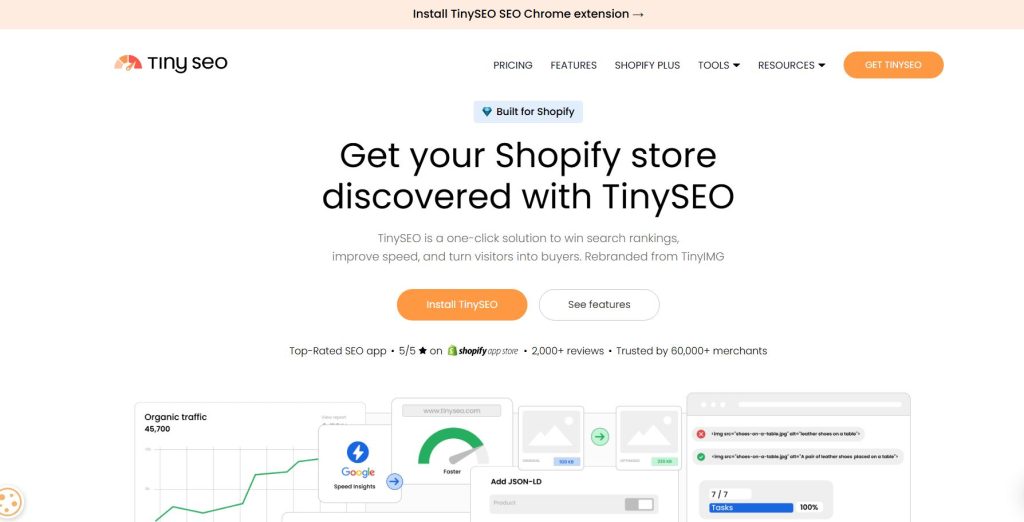
SEO apps can help you identify and fix common optimization issues across your Shopify store.
Getting organic traffic from search engines can be valuable for a dropshipping store.
Key Features
Useful features may include:
- Meta title optimization
- Meta description management
- Image optimization
- SEO audits
- Broken-link detection
- Structured data support
- Sitemap-related tools
Why It Helps
Better SEO can make it easier for search engines to understand your store and its products.
However, an SEO app is not a replacement for useful content, strong product pages, keyword research, and a good overall website structure.
12. Analytics Apps
Analytics Apps can help you understand how visitors interact with your store and which areas of your business need attention.
Important Metrics to Monitor
Pay attention to:
- Store traffic
- Conversion rate
- Average order value
- Customer acquisition cost
- Cart abandonment
- Product performance
- Revenue
- Returning customers
Why It Helps
Analytics can help you identify patterns.
For example, if a product gets a lot of traffic but very few purchases, you may need to review its price, images, description, reviews, shipping information, or overall product-page experience.
How to Choose the Right Shopify Apps for Dropshipping
With thousands of apps available, installing too many can actually make your store harder to manage.
Instead of downloading every app that looks interesting, choose apps based on your specific business needs.
- Identify Your Biggest Problem
Start by asking:
What is taking the most time in my store?
If product importing is taking hours, consider a sourcing or automation solution.
If customers constantly ask about shipping, consider an order-tracking solution.
If you’re losing potential customers during checkout, consider abandoned-cart recovery.
- Check Integration
Before installing an app, make sure it works properly with your Shopify setup and other tools.
Poor integration can create duplicate data, conflicts, or unnecessary manual work.
- Consider Pricing
Don’t look only at the monthly subscription price.
Consider how much value the app can generate or how much time it can save.
An inexpensive app that doesn’t solve your problem isn’t necessarily a good investment.
- Review App Performance
Check recent user reviews, ratings, support quality, and update history before installing an app.
An app that is regularly updated and supported may be more suitable for a growing store than one that appears neglected.
- Avoid Installing Too Many Apps
More apps don’t automatically mean a better store.
Every additional app can potentially affect your store’s performance, user experience, or backend complexity.
Start with the essential tools and add more only when you have a clear reason.
A Simple Shopify Dropshipping App Stack
If you’re starting from scratch, you don’t need dozens of apps.
A basic setup could include:
Product sourcing → Find and import products
Inventory management → Keep product availability updated
Order automation → Streamline supplier fulfillment
Order tracking → Keep customers informed
Reviews → Build social proof
Email marketing → Stay connected with customers
Cart recovery → Re-engage potential buyers
Analytics → Understand performance
As your store grows, you can add additional tools for customer support, SEO, upselling, and advanced marketing.
Final Thoughts
Running a dropshipping store doesn’t have to mean doing everything manually. The right Shopify apps can automate repetitive tasks, simplify order management, improve customer communication, and help you spend more time on the activities that actually grow your business.
The key isn’t to install as many apps as possible. It’s to choose the right apps for the problems your store is actually facing.
Start with the essentials, monitor your store’s performance, and add new tools when they provide a clear benefit. With a streamlined app setup, your Shopify dropshipping store can become easier to manage, more organized, and better prepared for growth.
The right automation can turn dropshipping from a collection of repetitive tasks into a much more manageable ecommerce business.
Join us as you begin your Shopify journey
We are e-commerce specialists and Shopify Partners. Get in touch with us if you need assistance with Shopify, need a whole website built, or have any other general questions.