
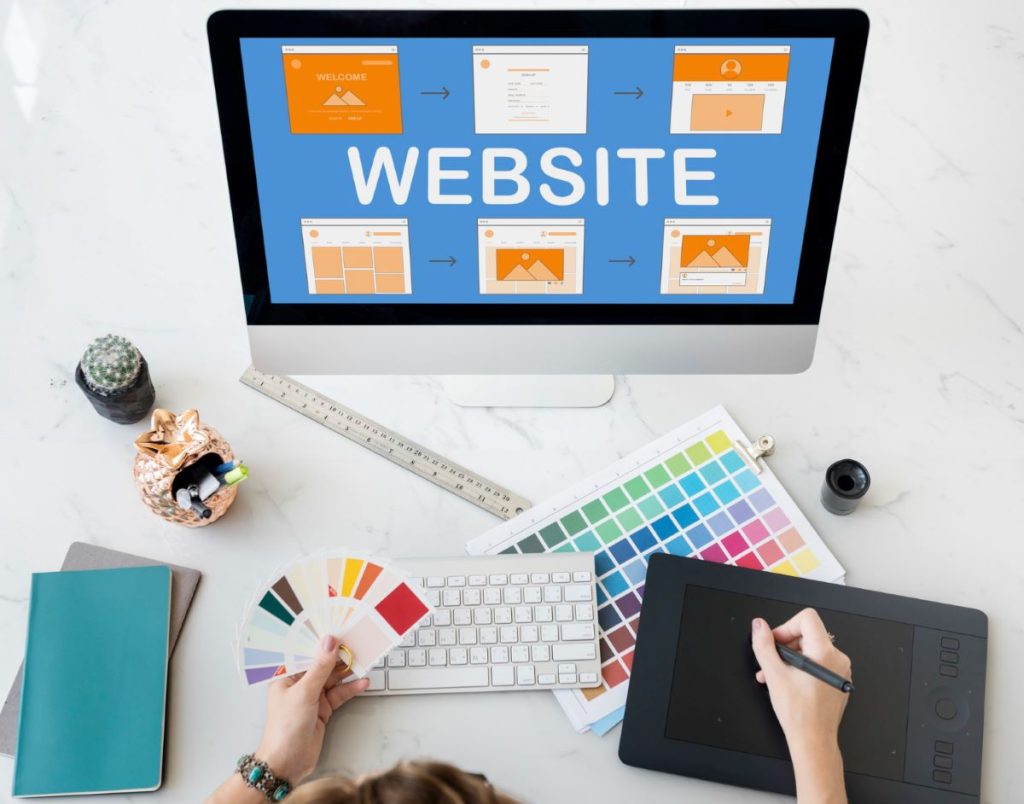
Have you ever abandoned an online store whose website was challenging to use? You gave up on a purchase because the Add to Cart button wasn’t visible. You spent an hour crafting the ideal order, but when you went to check out, you kept getting errors? Because consumers anticipate a flawless shopping experience and a user-friendly online design, you were undoubtedly irritated.
Because of this, having a user-friendly web design is crucial for owners of e-commerce businesses. Your customers will visit another site if yours falls short of expectations. On the other hand, a strong site design may convey your worth to your target clients, drive purchases, and boost traffic from returning visitors. Here’s how to create a website that is easy to use.
Table of Content
- What is required to design a website
- What you need in order to create an ecommerce store
- How to design a website
- How to test your website
- Conclusion
What is required to design a website
Every website needs three things: web hosting, a domain name, and a platform for their website. You can choose a website platform (often referred to as a website builder) that includes a variety of these or buy them separately from independent suppliers. For instance, Shopify’s website builder provides a web platform, hosting, and the choice to buy a unique domain name directly from Shopify or link one obtained from a third-party source.
The following is a list of essential website elements:
- Host a website. Web users can reach your site thanks to the infrastructure and technology that your web host offers. The files you use to create a website are kept on a server, which is normally owned and operated by a web hosting business.
- Domain name. For websites, domains function as street addresses. A domain name is a distinctive identifier for a website on the internet, much like a street address identifies a physical location. Usually, it starts with a name and ends with a top-level domain, like.com.
- Website layout. The software that enables you to create your website is called a website platform. A website builder or content management system (CMS) are also options. Website builders typically require less technical knowledge than CMS platforms, even though neither choice normally requires coding knowledge. Website builders typically offer a wider range of services, including: Many offer drag-and-drop design tools, CMS and hosting services, and some integrated e-commerce features.
What you need in order to create an ecommerce store
Integrating extra ecommerce components, which may be acquired separately from third-party suppliers or are already included with an ecommerce-specific website builder, can also be advantageous for online store owners. Shopify Payments, a proprietary payment gateway, and a free SSL certificate are all included in the website builder from Shopify:
- Payment portal: An online service called a payment gateway securely handles transactions for e-commerce websites. Businesses can receive money for purchases through payment methods including major credit cards and virtual wallets (like Shop Pay), thanks to payment gateways like Shopify Payments. Consider a payment gateway as the link that connects your website, your customers, and the relevant financial institutions; it encrypts and transmits payment information to enable safe, dependable transactions.
- Certificate for the Secure Sockets Layer (SSL): Your website is encrypted with SSL certificates, which attest to its ability to safeguard customer and business data. For online companies that handle sensitive consumer data like payment and shipping information, SSL certificates are very important. A reputable certificate authority can sell you an SSL certificate, or you can get one for nothing from Let’s Encrypt, a nonprofit certificate authority.
How to design a website
- Identify what is your goal and purpose
- Research your target market and the competitors
- Create a concept for the visuals
- Create a sitemap
- Choose the proper typography and colour scheme
- Selecting a website platform
- Prepare for SEO
1. Identify what is your goal and purpose
Your website’s structure, content, and major features can be determined by defining its purpose and goals. For instance, a website that sells goods or services can have lead generation, brand exposure, and sales growth as its main objectives. You’ll need e-commerce capabilities in this situation, a navigation structure that directs people to product pages, and a place to publish content to draw in and collect leads, like a blog or resource library.
2. Research your target market and competitors
Research your target audience to find out more about their browsing patterns, purchasing patterns, hobbies, and motivators. You might choose to send surveys to potential clients or conduct research online. Use this knowledge to design a website that will appeal to your target users when you’re ready to build your own.
For instance, you might think about using a mobile-first design if your customers frequently shop on mobile devices. You might include product comparison pages that show the benefits of your products over your rivals if customers perform in-depth research before making a purchase. By adapting their website tactics, you may distinguish your online business from successful competitors in your market.

3. Create a conceptual image
Consult your current brand standards while developing a visual design for your website to make sure that all visual components are aligned with your brand identity. Make sure that all design components, colour scheme, and typography serve the objectives of your website and match your brand.
For instance, if you want your website to have a serene, cheery vibe, you might select a minimalist theme with lots of white space; if you want to educate your audience about your highly technical products with lots of text, you might choose a more conventional design that puts readability first.
The built-in themes, or prebuilt packages, that come with many website builders decide a site’s page layouts, typography, colour schemes, backgrounds, headers, and footers. On several of these themes, there are also other customizable features.
4. Create a sitemap
A sitemap is a diagram of the layout of your website. It’s basically a list of all the webpages on your website, such as the homepage, contact pages, product or service pages, about pages, and career pages. For both website visitors and search engines, who use sitemaps to process and index material and identify which pages on a site are most important, creating a sitemap can increase exposure and accessibility.
Sitemaps can also aid in user experience (UX) optimisation, or designing for user satisfaction, especially if your website has a lot of pages. Sitemaps enable you to set up your website around important user paths by assisting you in visualising the organisation and flow of your website and outlining the connections between pages. For instance, if your goal is to sell products, you can design your website so that it is simple for customers to locate particular items. The primary navigation of your website might link to your online store, and there might be subpages that point to specific product categories like apparel, footwear, and accessories.
Shopify can assist you if you need assistance with website design, would like more customization choices, or just have general inquiries. Shopify Experts are freelance web designers and agencies with extensive experience in design, development, and business and marketing strategy.
5. Choose the proper typography and colour scheme
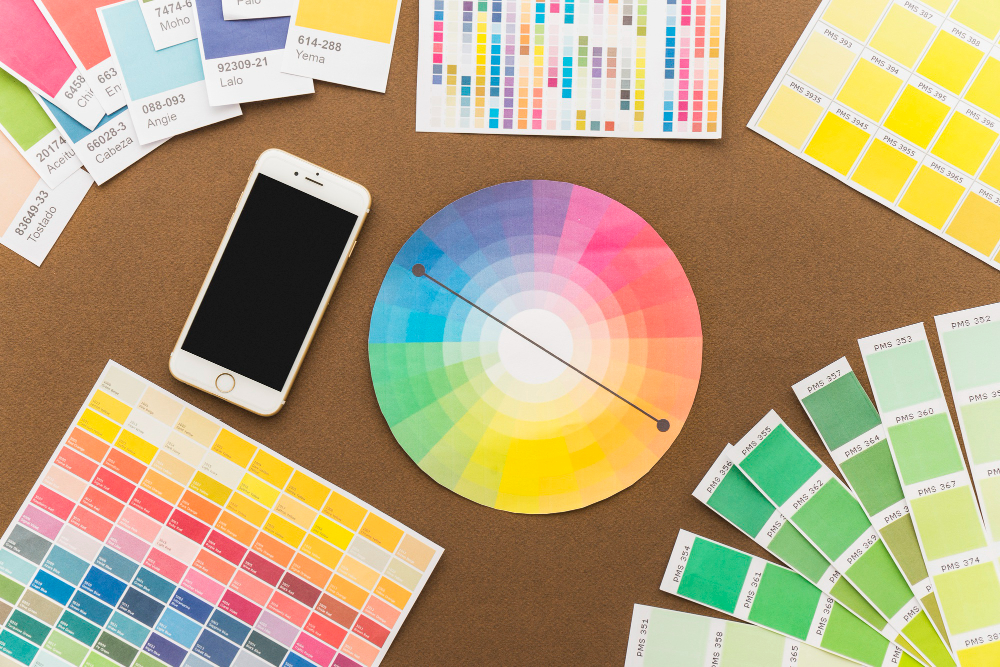
The visual character of your website is greatly influenced by colours and typography. Choose a colour palette that complements your brand and makes your visitors feel the way you want them to. Similarly, select readable and acceptable typefaces for the various parts of your website to maintain consistency.
6. Select a web platform
Select a website builder or CMS platform that is suitable for your degree of web design expertise, satisfies your financial requirements, and offers the security, flexibility, and scalability you require.
Verify that the adjustments offered by your website builder—especially if it has drag-and-drop editing or themes—support your vision. For instance, make sure the website builder you’ve chosen offers the means to smoothly include these functionalities if you need e-commerce capabilities or custom forms.
You can talk about which website builder alternatives would best suit your vision if you intend to work with a qualified web designer. Verify your ability to adjust the platform once the original design is finished if you intend to hire ongoing web design services.
7. Improve for SEO
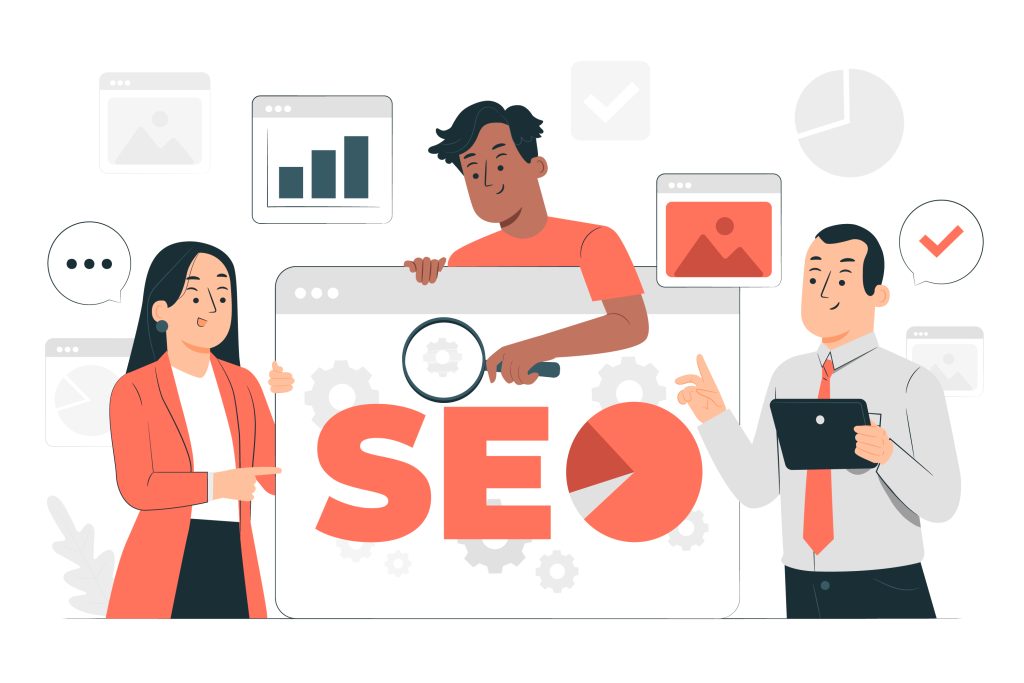
The term “search engine optimisation” (SEO) refers to a set of strategies used to boost a website’s performance in search engine results pages. Both technical SEO and content SEO should be used in a website optimisation strategy.
SEO techniques. The technical aspects of SEO include improving page performance, metadata (such as headers, titles, and meta descriptions), making alt tags for images, repairing broken links, and indexing your website by uploading a sitemap to well-known search engines.
SEO content. Creating keyword-rich material based on the search habits of your target audience is known as content SEO. You can create blog posts, product sites, and service pages around terms that your target audience is likely to search for, such as “best walking sandals” or “cheap Cuisinart alternative.”
By improving your site’s performance, structure, and content, you may increase the likelihood that it will show up in search results for your target audiences. They may assess your page’s performance, find any broken links, and assign you a quality, structure, and keyword usage grade.
How to test your website
You can launch and test your site once your design is finished. Following launch, you should do the following three things:
1. Test the website
Test your website on several browsers to make sure it functions properly. To test this, you can use a digital tool like BrowserStack. You may also check the performance of your page, fix broken links, and find unlinked (or “orphan”) sites using SEO tools like Lighthouse and Screaming Frog.
2. Request comments
Ask dependable contacts in your network to spend some time exploring your website, or assign them a specific duty, like finding a certain item and adding it to their shopping basket. After that, ask them for comments on their user experience and update your design as appropriate.
Technical testing can be complemented by subjective input because it provides you with extra user experience insights. (A family member can let you know if they had trouble finding it in your menu; an SEO tool can let you know if your online store link is broken.)
3. Examine measurements and enhance output
To track website performance, use analytics programmes like Google Analytics. These tools can provide you with information about how and what your website users are doing while they are there, which can help you attract more visitors and make sure that user behaviour is consistent with your objectives.
To assist you discover underperforming pages and enhance outcomes, an analytics tool can track bounce rate, or the percentage of users that leave your site after seeing just one page.
They can also inform your content marketing strategy if a particular collection of blogs is doing well in search engine results and generating a lot of conversions. In this situation, you might produce extra content that focuses on the keywords, associated keywords, and search intents of the high-performing content.
Conclusion
A website’s design and testing process is iterative and demands careful preparation, imagination, and attention to detail. This step-by-step tutorial will help you build a website that not only has a beautiful design but also provides a great user experience. Always keep the user in mind while making design choices, and don’t be afraid to tweak and improve your website depending on user input. You’ll be in a better position to compete in the cutthroat online environment with a well-designed and fully tested website.
It’s now time to put this guidance into action and start building a stunning website that engages users and accomplishes its goals. Enjoy your experimenting and designing!
Join us as you begin your Shopify journey
We are e-commerce specialists and Shopify Partners. Get in touch with us if you need assistance with Shopify, need a whole website built, or have any other general questions.