
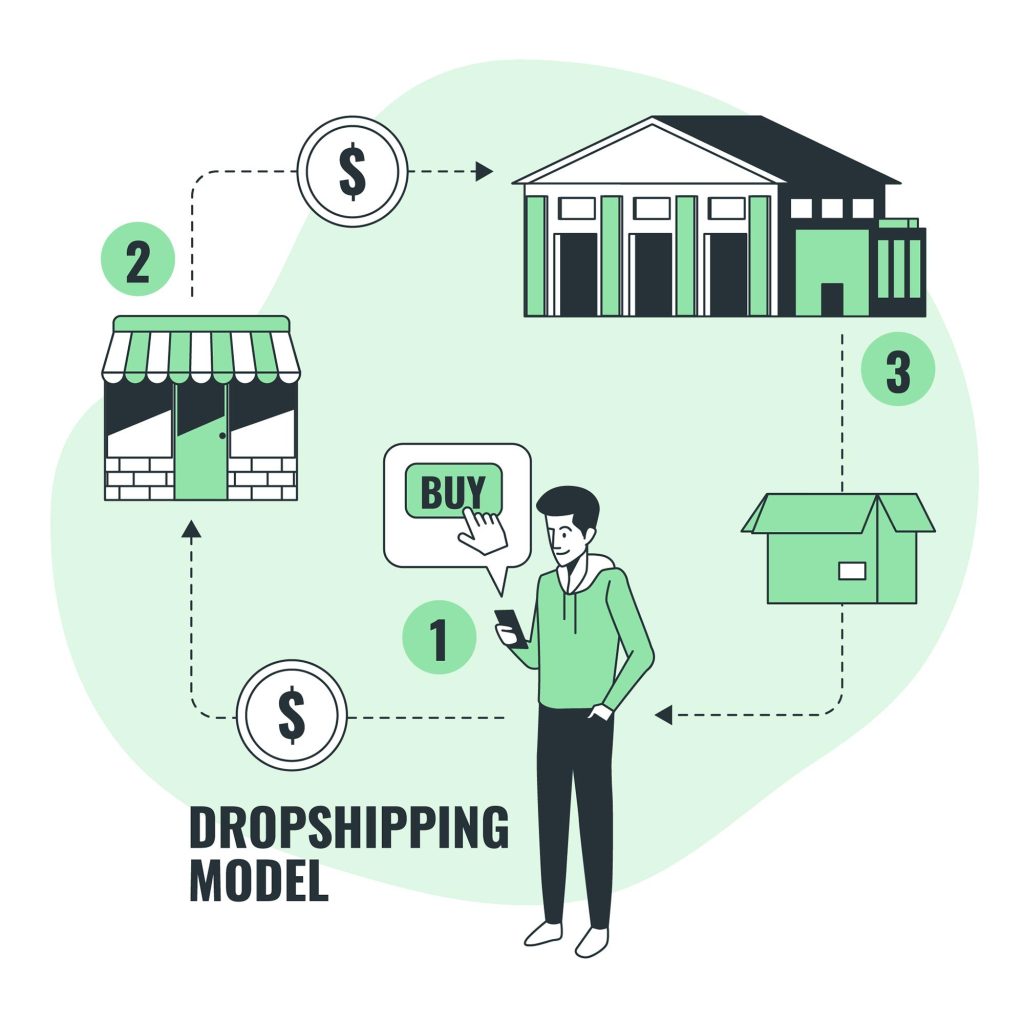
Dropshipping has become a more and more well-liked business strategy with the explosive expansion of e-commerce. It enables business owners to launch an online store without needing to make an initial inventory investment. One of the top e-commerce platforms, Shopify, provides a simple method for setting up and running a dropshipping company. We’ll walk you through setting up your dropshipping store on Shopify with just your phone in this blog article. We’ll also showcase a few Shopify solutions that can improve the functioning and success of your store.
Table of Content
- Why choose Shopify for Dropshipping?
- Step1: Research and niche selection
- Step2. Find your Product
- Step3. Join Shopify and install it.
- step4. Choose a store theme
- Step5. Add Products to Your Store
- Step6. Customise your product listings
- Step7. Configure Your Shipping and Payment Options
- Step8. Using Mobile Tools to Improve Your Store
- Step9. Launch Your Store and Market It
- Conclusion
Why choose Shopify for Dropshipping?
Due to its user-friendly layout, comprehensive capabilities, and smooth interaction with various dropshipping technologies, Shopify has become a top choice for e-commerce companies. It gives your online store a solid foundation and gives you the freedom to concentrate on expanding your business rather than dealing with technological difficulties.
Step1: Research and niche selection
It’s essential to carry out careful market research and choose a lucrative niche before you begin developing your dropshipping store. Use the browser on your phone to look for potential target markets, investigate various product categories, and assess market trends. Finding a market niche with a high demand and little to no competition will improve your chances of success.
Market Research, to find current trends, in-demand products, and market gaps, do in-depth market research. Google Trends, social networking sites, and online stores like Amazon and eBay are a few resources that might aid in market research.

Step2. Find your product
It takes a combination of market research, analysis, and innovation to find the ideal dropshipping product. Start by locating popular markets or items by examining social media sites, business blogs, and online marketplaces. Look for products with a healthy market that are in great demand and have little competition. Assess customer comments, product ratings, and reviews to determine the acceptance and value of possible purchases. Utilise keyword research tools as well to find pertinent search phrases and estimate search volume. Your product options may be reduced with the aid of this data. E-commerce systems with user-friendly interfaces and smooth interaction with dropshipping providers, like Shopify or WooCommerce, are crucial resources for successful dropshipping. You can choose reputable suppliers and evaluate the performance of your products with the use of product research platforms like SaleHoo and AliExpress.
Platforms for managing social media, such as Hootsuite or Buffer, help you advertise your products on many channels. Tools for email marketing like Mailchimp and Klaviyo help companies develop relationships with customers and encourage return business. Finding a profitable dropshipping product will ultimately come down to a combination of research, analysis, and utilising the proper tools.

Step3. Join Shopify and install it
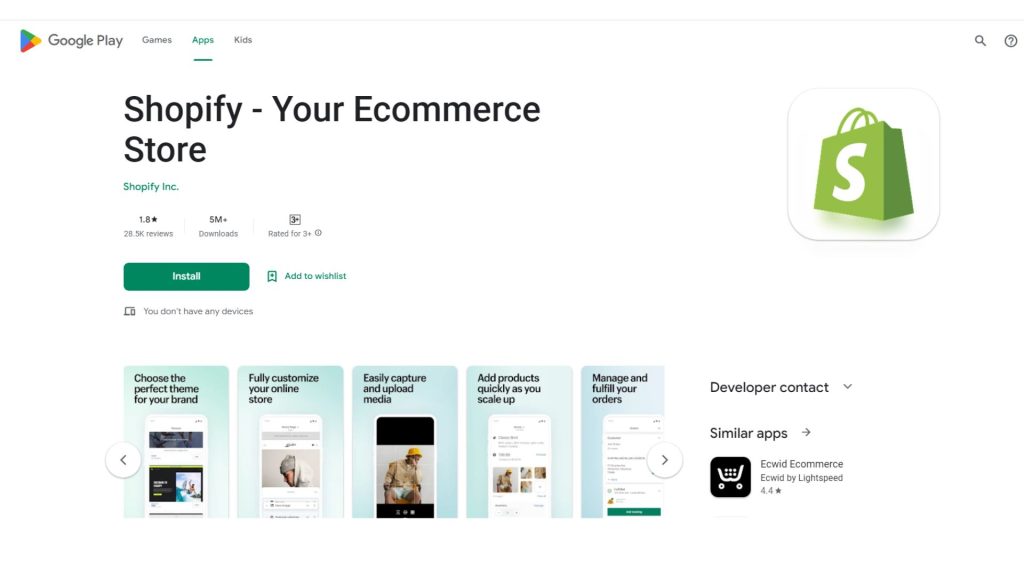
Download the Shopify app to your phone from the App Store or Google Play Store to get started. After installation, you may create a Shopify account right from the app. Your own Shopify store will be operational in a matter of minutes if you follow the on-screen instructions.
step4. Choose a store theme
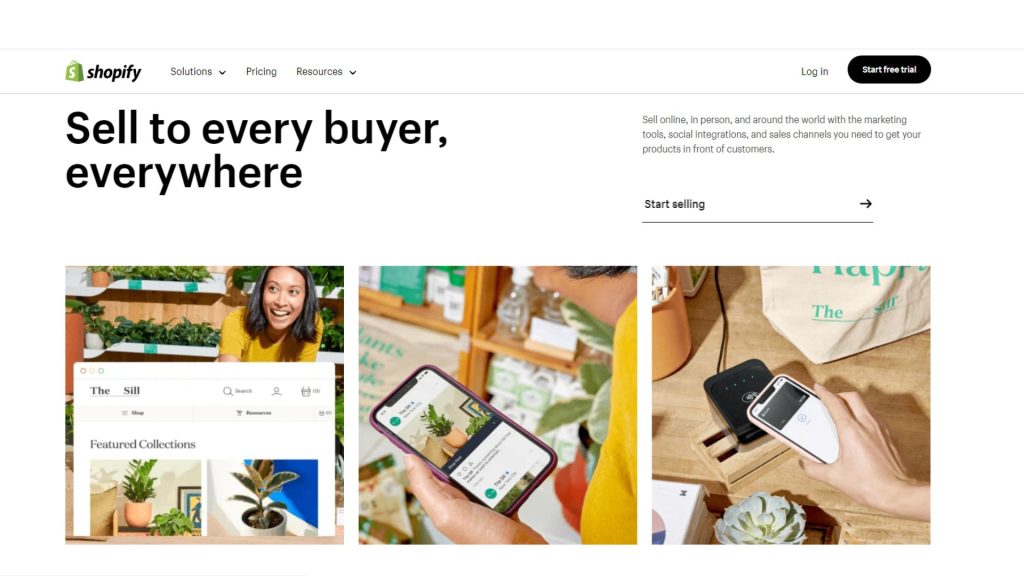
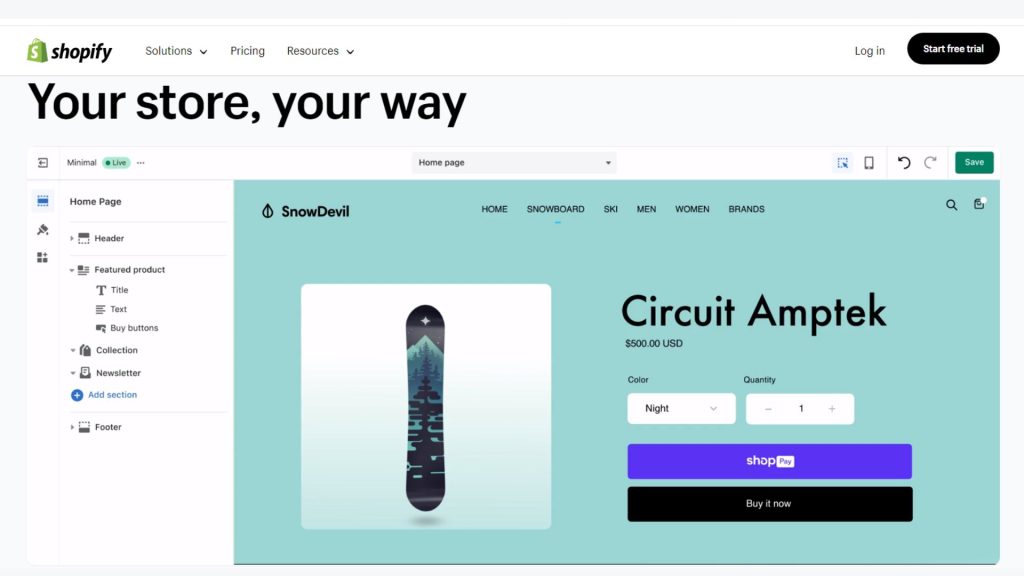
You can alter Shopify’s selection of mobile-responsive themes to meet your brand’s aesthetic. Choose a design that you like by perusing the theme library in the app. To provide your customers with an enjoyable shopping experience, take into account elements like layout, colour schemes, and general aesthetics.

Step5. Add Products to Your Store
Selling a variety of goods without maintaining inventory is one of the main benefits of dropshipping. You may quickly import goods from reliable dropshipping websites like Oberlo, Spocket, or AliExpress using the Shopify mobile app. With just a few touches, you can quickly and easily import product details, pictures, and prices thanks to these apps’ seamless integration with Shopify.
Step6. Customise your product listings
When you’ve finished adding items to your store, spend some time refining their listings. Make your product descriptions appealing by highlighting its features and benefits. Utilise top-notch product photos to draw clients, and think about providing variations like colours or sizes to provide clients a choice. To keep your listings current, you may modify product data while on the road using the Shopify mobile app.
Step7. Configure your shipping and payment options
Configure your payment gateway within the Shopify app to enable smooth transactions. Shopify Payments, PayPal, and third-party gateways like Stripe are popular choices. Pick the option that best fits your company’s requirements and gives your consumers a secure checkout experience.
Additionally, integrate delivery companies like UPS, FedEx, or USPS into your shipping options configuration. To ensure precise shipping estimates at the time of purchase, specify your shipping zones, prices, and delivery options.
Step8. Using mobile tools to improve your store
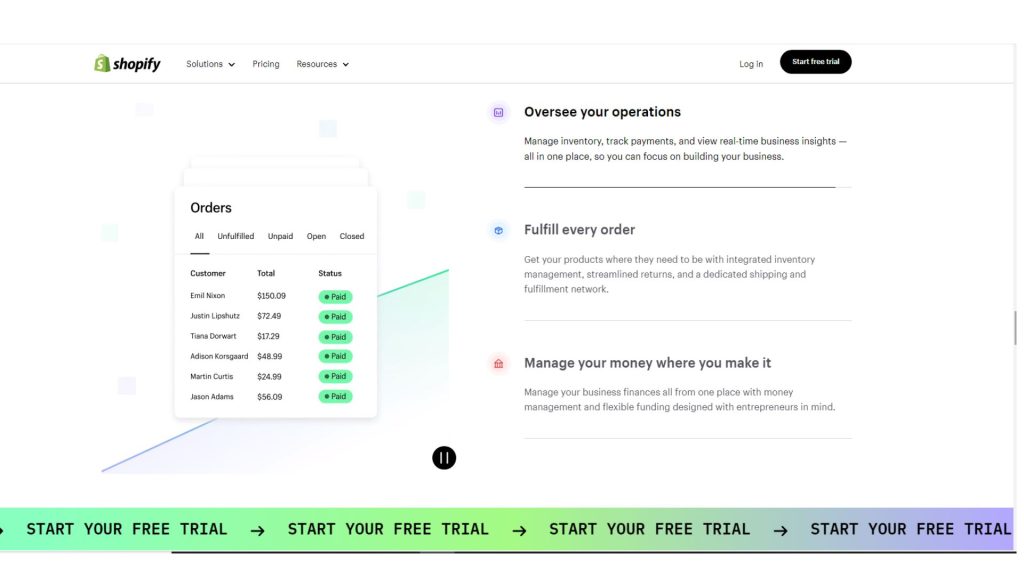
The Shopify mobile app provides a number of potent tools to improve the functionality and user experience of your store. Here are some noteworthy examples:
a) Shopify Analytics: From your phone, track the operation of your store, keep an eye on sales trends, and learn more about customer behaviour.
b) Shopify Chat: Establish trust with consumers by interacting with them in real-time with live chat assistance.
c) Discounts and Promotions: Run appealing promotions or develop alluring discount codes to draw in new clients and increase sales.
d) Order Management: Order management and fulfilment can be done straight from the app. Track shipment statuses, inform consumers of the status of their orders, and guarantee prompt delivery.

Step9. Launch Your Store and Market It
It’s time to start operating your dropshipping store now that it has been set up and optimised. To increase visitors to your store, make use of social media channels, influencer marketing, or paid advertising. Utilise the Shopify mobile app to analyse website traffic, keep an eye on marketing efforts, and make data-driven decisions to increase your store’s visibility.
Conclusion
Aspiring business owners now have the option of setting up a dropshipping company on Shopify using only their phone. You can simply set up a sophisticated online store, source products, manage orders, and effectively market your business using the ease of mobile technologies offered by Shopify. Take advantage of mobile technologies to launch your successful dropshipping business right away!
Join us as you begin your Shopify journey
We are e-commerce specialists and Shopify Partners. Get in touch with us if you need assistance with Shopify, need a whole website built, or have any other general questions.