

Growing a Shopify store is not just about bringing more visitors to your website. It is also about making the most of every shopping opportunity. While attracting new customers is important, encouraging existing shoppers to explore more products and increase their order value can be an effective way to boost revenue.
Upselling is a sales strategy that encourages customers to purchase a higher-value product, upgrade their selection, or add relevant items to their cart. When done correctly, it can help businesses increase their average order value while providing customers with products that better match their needs.
Imagine a customer visiting your store to purchase a pair of sneakers. Instead of allowing the shopping journey to end with one item, you could recommend matching socks, a shoe care kit, or a premium version of the sneakers. These suggestions can help customers discover useful products while giving your store an opportunity to generate additional sales.
However, successful upselling requires more than simply displaying extra products. It involves understanding customer interests, presenting relevant recommendations, and choosing the right moment to introduce an offer.
Fortunately, Shopify offers a variety of apps that make upselling easier. From product recommendations and bundle offers to cart upsells and post-purchase promotions, these apps help store owners create engaging shopping experiences that encourage customers to purchase more.
In this blog, we will explore the top Shopify apps for upselling like a pro, their key features, and how they can help your business increase sales and grow its revenue.
Table of Content
- What Is Upselling in Shopify?
- 1. ReConvert: Upsell & Cross Sell
- 2. Frequently Bought Together
- 3. Selleasy: Upsell & Cross Sell
- 4. Shopify Bundles
- 5. AfterSell: Post Purchase Upsell
- 6. WizeSaaS: EZ Sales Popup
- 7. OptiMonk: Popup & CRO
- 8. Bold Upsell
- How to Choose the Best Upselling App for Your Shopify Store
- Best Practices for Upselling Like a Pro
- Final Thoughts
What Is Upselling in Shopify?
Upselling is a marketing technique that encourages customers to purchase a more expensive product, upgrade their current selection, or add additional products to their order.
For example, if a customer is shopping for a basic skincare moisturizer, a store might recommend a premium moisturizer with additional benefits. Similarly, a customer purchasing a laptop could be offered a wireless mouse, laptop stand, or protective case.
These recommendations help customers discover products that complement their original purchase while increasing the total value of their orders.
In Shopify stores, upselling can happen at different stages of the shopping journey, including product pages, shopping carts, checkout, and after a purchase has been completed.
The goal is to make relevant offers that improve the customer experience rather than simply encouraging shoppers to spend more.
Why Is Upselling Important for Shopify Stores?
Upselling can help Shopify businesses generate more revenue from their existing customers and traffic. Instead of relying entirely on attracting new shoppers, store owners can increase the value of purchases by recommending additional products or upgrades.
Here are some important benefits of upselling.
Increase Average Order Value
One of the biggest advantages of upselling is its ability to increase average order value (AOV). When customers purchase additional products or select premium options, the total amount spent per order increases.
Even a small increase in AOV can make a meaningful difference when a store receives a consistent number of orders.
Help Customers Discover More Products
Customers may not explore every product in your store. Relevant upselling recommendations introduce them to additional products they might find useful.
For example, a customer purchasing a camera may discover a memory card or tripod through a product recommendation.
Improve the Shopping Experience
Personalized product recommendations can make shopping easier by helping customers find products that match their needs.
Instead of searching through multiple collections, shoppers can discover related items directly on product pages or in their shopping carts.
Generate More Revenue From Existing Traffic
Acquiring new customers often requires marketing investment. Upselling helps store owners increase the value of existing traffic by encouraging shoppers to purchase more during their visit.
This makes it a useful strategy for businesses looking to improve their sales performance.
1. ReConvert: Upsell & Cross Sell
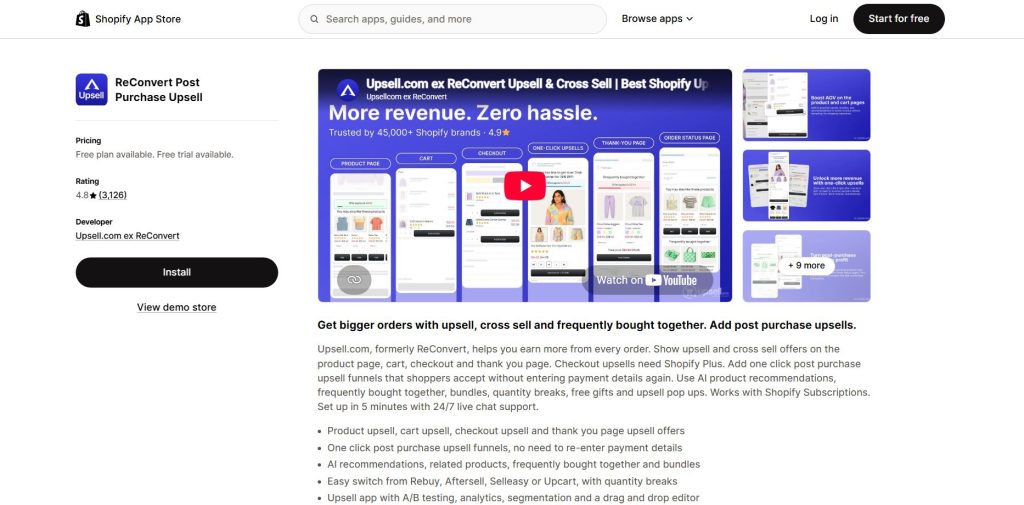
ReConvert is an upselling app designed to help Shopify merchants generate additional sales after customers complete their purchases.
Instead of ending the shopping journey at checkout, the app allows store owners to introduce additional offers on the post-purchase page. These offers give customers another opportunity to discover products that complement their original order.
For example, a customer purchasing a fitness tracker might receive an offer for a compatible charging cable or a protective accessory after completing the purchase.
One of the app’s useful features is its ability to create customized thank-you pages. Merchants can use these pages to display product recommendations, promotional offers, and other relevant content.
ReConvert can help store owners make the most of completed transactions by introducing additional products without interrupting the original checkout process.
For businesses that want to increase order value after checkout, this app provides a convenient way to extend the shopping experience.
Best for:
Post-purchase upselling and thank-you page offers
2. Frequently Bought Together
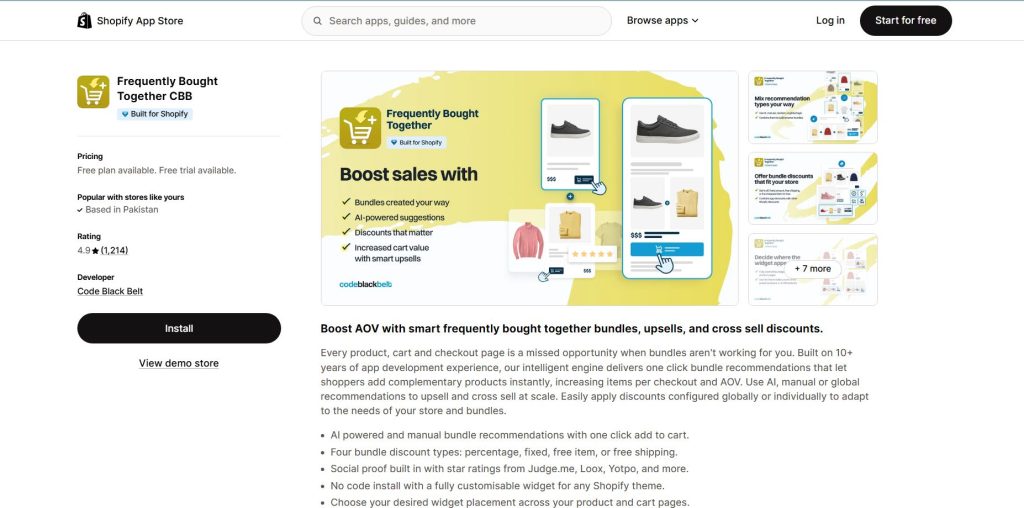
Frequently Bought Together helps Shopify merchants recommend products that customers often purchase together.
The app displays related products on product pages, allowing shoppers to discover complementary items and add multiple products to their cart.
For example, a customer shopping for a smartphone may see recommendations for a phone case, screen protector, and wireless charger.
Instead of searching for each accessory separately, the customer can explore related products directly from the product page.
The app also supports product bundles and discounts, helping merchants create offers that encourage customers to purchase multiple items together.
This approach works particularly well for stores selling products that naturally complement one another, such as electronics, fashion accessories, beauty products, and home decor.
Frequently Bought Together can help businesses improve product discovery while encouraging customers to add more items to their orders.
Best for:
Product bundles and complementary product recommendations
3. Selleasy: Upsell & Cross Sell
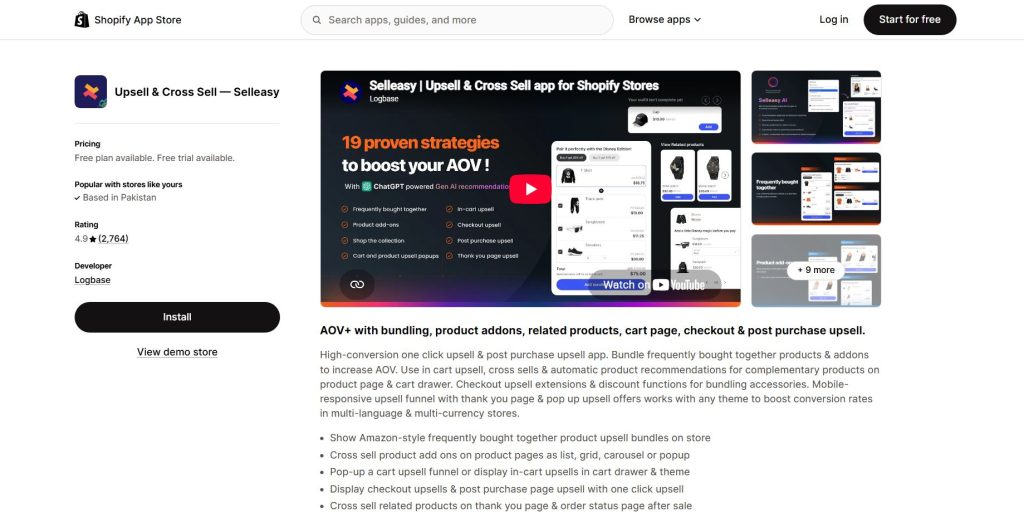
Selleasy is an upselling and cross-selling app that helps Shopify merchants display relevant product recommendations throughout the shopping journey.
It allows store owners to create offers that encourage customers to explore complementary products and increase their order value.
One of its key features is the ability to display frequently bought together recommendations on product pages. Merchants can also introduce additional product offers in the shopping cart.
For example, a clothing store selling dresses could recommend matching handbags, earrings, or scarves. These recommendations help customers complete their outfits while giving the store an opportunity to increase the total order value.
Selleasy also offers different types of upselling placements, making it useful for merchants who want to experiment with product recommendations and promotional offers.
For stores looking for flexible upselling options, Selleasy can be a practical solution.
Best for:
Product page upsells, cart offers, and product bundles
4. Shopify Bundles
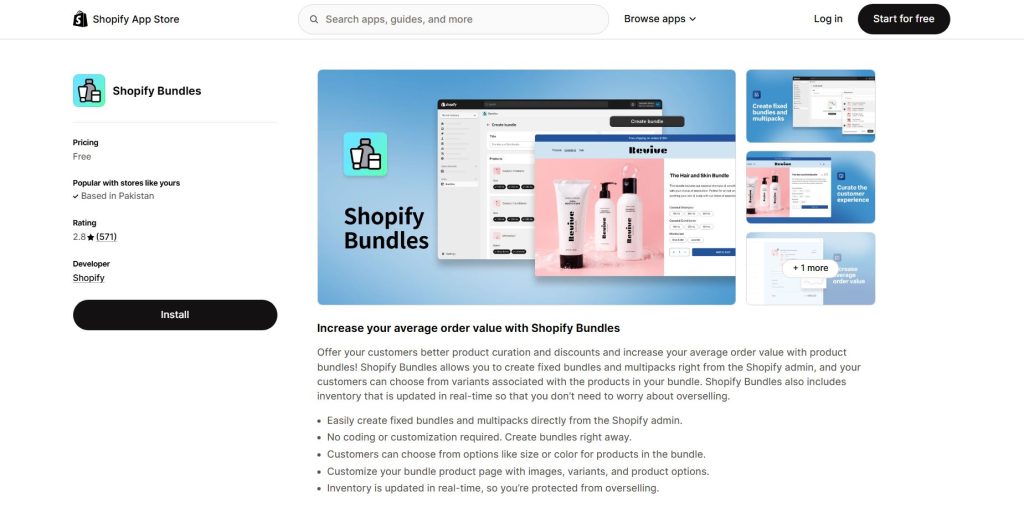
Shopify Bundles is a native Shopify app that allows merchants to create product bundles and multipacks directly within their Shopify stores.
Bundling is a useful upselling strategy because it encourages customers to purchase multiple products together instead of buying only one item.
For example, a skincare brand could create a bundle containing a cleanser, moisturizer, and serum. Customers looking for a complete skincare routine can purchase all three products together.
Similarly, a clothing store could offer a bundle featuring a T-shirt, trousers, and a matching accessory.
By grouping related products, merchants can make shopping more convenient and encourage customers to purchase additional items.
Shopify Bundles is particularly useful for store owners who want to introduce product bundles using a Shopify-developed solution.
Best for:
Product bundles and multipacks
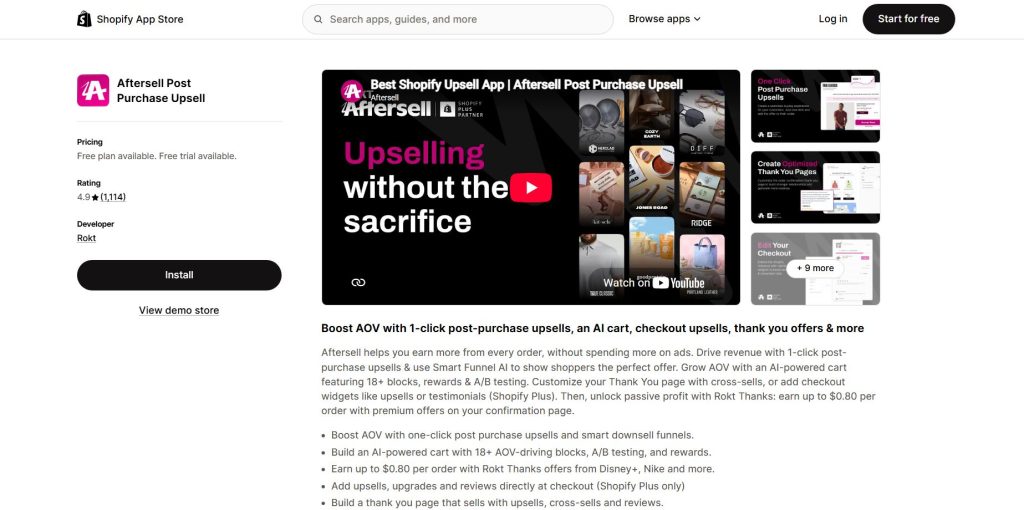
5. AfterSell: Post Purchase Upsell
AfterSell helps Shopify merchants create upsell offers that appear after customers complete their initial purchase.
These offers allow shoppers to add another product to their order without going through the entire shopping process again.
For example, a customer who purchases a yoga mat could receive an offer for yoga blocks or a stretching strap after checkout.
This type of recommendation works well when the additional product is closely related to the customer’s original purchase.
AfterSell also provides tools for creating and customizing post-purchase offers, helping merchants present products that fit their store’s sales strategy.
For Shopify businesses that already receive regular orders, post-purchase upselling can be a useful way to generate additional revenue from completed transactions.
Best for:
One-click post-purchase upselling
6. WizeSaaS: EZ Sales Popup
WizeSaaS EZ Sales Popup helps Shopify merchants engage visitors through promotional popups and sales-related messages.
These popups can be used to highlight special offers, promote products, and encourage shoppers to explore more items in the store.
For example, a home decor store could display a promotional message highlighting matching cushions for customers browsing sofa covers.
Similarly, a fashion store could introduce a limited-time offer on selected accessories to encourage shoppers to add more products to their carts.Promotional popups can help store owners bring attention to products and offers that customers might otherwise overlook.
When used thoughtfully, EZ Sales Popup can support upselling efforts by creating additional opportunities to introduce relevant products and promotions during the shopping journey.
Best for:
Promotional popups and sales campaigns
7. OptiMonk: Popup & CRO
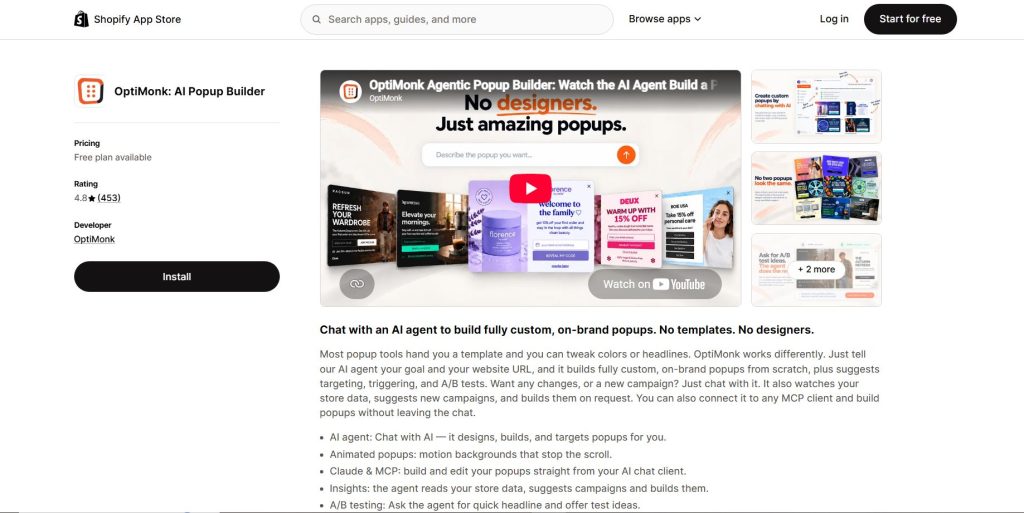
OptiMonk is a conversion optimization platform that helps ecommerce businesses create personalized onsite campaigns.
Store owners can use its popups and onsite messages to introduce special offers, highlight related products, and encourage customers to explore more of their catalog.
For example, a customer browsing winter jackets could see a promotion for matching gloves or scarves.
The app also offers targeting and customization options, allowing merchants to create different messages for different visitors.
This can help businesses present more relevant promotions and improve the shopping experience.
OptiMonk can be a helpful option for Shopify merchants who want to combine promotional campaigns with their upselling strategy.
Best for:
Targeted promotional offers and onsite campaigns
8. Bold Upsell
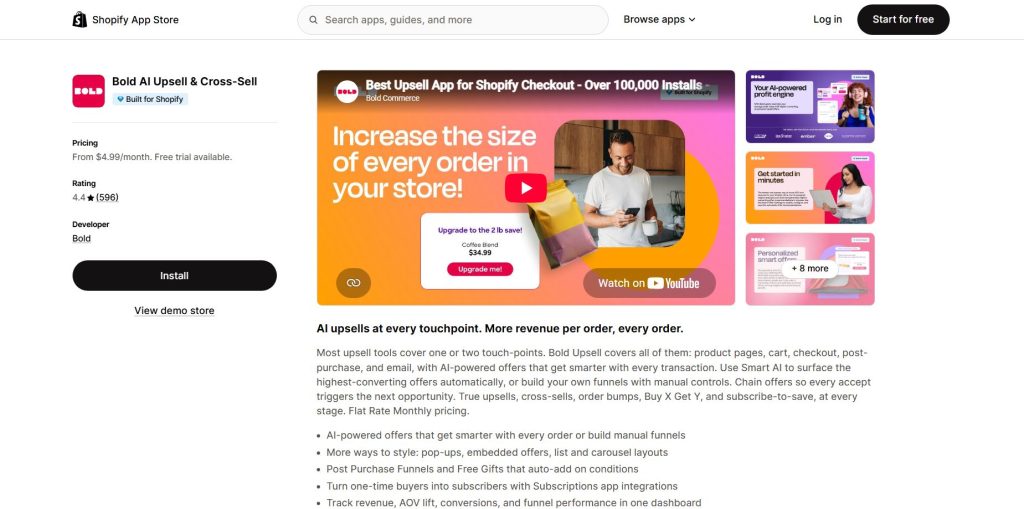
Bold Upsell helps merchants introduce additional products and upgrade offers during the shopping journey.
Unlike cross-selling, which focuses on recommending complementary products, upselling encourages customers to choose a higher-value product or upgrade their original selection.
For example, a store selling headphones could recommend a premium version with additional features to customers viewing the basic model.
Similarly, a business selling subscription products could introduce a higher-tier plan with additional benefits.
Bold Upsell can help merchants create offers that encourage customers to consider products with greater value.
This app may be particularly useful for stores offering premium product versions, upgrades, or multiple product tiers.
Best for:
Product upgrades and targeted upsell offers
How to Choose the Best Upselling App for Your Shopify Store
Every Shopify store has different goals, products, and customers. The best upselling app for your business depends on what you want to achieve and how your customers shop.
Here are some important factors to consider before choosing an app.
Identify Your Upselling Goals
Start by deciding what you want your upselling strategy to accomplish.
If you want customers to purchase complementary products, look for apps that support product recommendations and frequently bought together offers.
If you want to encourage customers to choose premium products, consider apps that support product upgrades.
For stores that want to increase sales after checkout, post-purchase upselling apps may be a better fit.
Consider Your Product Catalog
Your product range plays an important role in determining which upselling strategy works best.
Stores selling related products, such as skincare, clothing, electronics, and home accessories, can benefit from product recommendations and bundles.
Businesses selling premium products or multiple product versions may find upgrade offers more effective.
Review Customization Options
Your upselling offers should match your store’s design and branding.
Choose an app that allows you to customize product widgets, popups, and recommendation layouts.
A consistent design helps offers feel like a natural part of the shopping experience rather than an interruption.
Check Pricing and Compatibility
Before installing an app, review its pricing plans, features, and available integrations.
Some apps offer free plans or trial periods, while others charge based on usage or additional features.
Also, make sure the app works with your Shopify theme and current cart setup.
Best Practices for Upselling Like a Pro
Using an upselling app can make the process easier, but successful upselling requires a thoughtful approach.
Here are some best practices that can help you create better offers and encourage more purchases.
Recommend Products That Make Sense
The most effective upselling offers are relevant to the customer’s original purchase.
For example, recommending a matching handbag to someone purchasing a dress is more useful than suggesting an unrelated kitchen product.
When recommendations match customer interests, shoppers are more likely to consider them.
Keep Your Offers Simple
Avoid displaying too many recommendations at once.
A clear offer featuring one or two relevant products can be easier for customers to understand and act on.
Make sure the product, price, and offer details are easy to see.
Choose the Right Time to Show Offers
Timing can influence how customers respond to upselling offers.
Product page recommendations can introduce complementary products before customers add an item to their cart.
Cart offers can encourage shoppers to add another product before checkout.
Post-purchase offers can introduce additional products after the original order is complete.
Choose the placement that makes the most sense for your customers and your products.
Test Different Upselling Strategies
Not every offer will work equally well for every store.
Try different products, recommendation placements, discounts, and messages to see which ones generate better results.
Monitor metrics such as average order value, conversion rate, and upsell revenue to understand how your strategy is performing.
Final Thoughts
Upselling is a valuable strategy for Shopify store owners who want to increase order value while creating a more engaging shopping experience. By recommending relevant products, introducing useful upgrades, and offering convenient product bundles, businesses can encourage customers to discover more of what their store has to offer.
The right Shopify app can make this process easier by helping you display offers at the right time and in the right place. However, the key to successful upselling is understanding your customers and making recommendations that genuinely add value to their shopping experience.
Start with a clear goal, choose an app that fits your business needs, and focus on creating offers that feel helpful rather than pushy. With a thoughtful strategy and the right tools, you can turn more shopping opportunities into valuable sales and build a stronger foundation for your store’s growth.
Join us as you begin your Shopify journey
We are e-commerce specialists and Shopify Partners. Get in touch with us if you need assistance with Shopify, need a whole website built, or have any other general questions.