

Technologies based on artificial intelligence (AI) have created an abundance of brand-new prospects for businesses of all sizes worldwide. Like never before, AI is offering profound insights and making many business operations more effective. There are numerous technologies that can enhance your business operations, whether you are a freelancer running a one-person operation or in control of several personnel.
The top 10 AI tools for run your business are as follows:
Table of Content
- 1. Looka AI
- 2. Copy.AI
- 3. Browse.AI
- 4. Mem.AI
- 5. Spin Rewriter AI
- 6. Midjourney AI
- 7. Merlin AI
- 8. Runway AI
- 9. BEAUTIFUL. AI
- 10: Descript AI
- Conclusion
1. Looka AI
Looka Ai : Looka ai is an advanced logo design tool that uses smart guidelines for design and machine learning algorithms to give users a seamless and simple logo creation experience. Looka AI makes it possible for people and organisations of all sizes to create professional-caliber logos fast and affordably by utilising AI technology.
Looka is a platform for AI-powered graphic design that works with you to build your brand identity from the ground up, beginning with your logo. Even if you don’t have any design knowledge, Looka allows you to create a polished logo in a matter of minutes.
Features of Looka Ai:
Looka offers a number of features that make it a powerful tool for logo design, including:
A large collection of fonts, symbols, and colours: Looka provides a sizable library of fonts, symbols, and colours that you can use to customise your logos.
Easy-to-use editor: Even if you have no design knowledge, the editor on Looka is simple to use. With a few clicks, you can quickly modify the hues, typefaces, and graphics of your logos.
A preview tool: You can see how your logos will appear on various marketing materials using Looka’s preview tool. This is an excellent technique to guarantee that all of your branding uses the same logos.
A free trial: Use Looka for free to create as many logos as you like and to modify, preview, and save them.
Looka: Is it worth it?
Businesses who require a good logo but lack the funds to engage a designer might consider Looka as an excellent alternative. A fantastic method to determine whether Looka is a suitable fit for your company is to use the free trial. If you end up like Looka, paid plans begin at $299.

2. Copy.AI
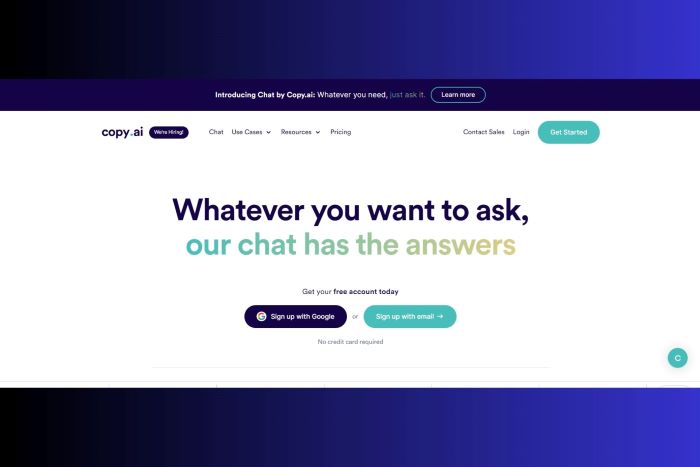
An AI copywriting tool called Copy.ai can assist you in creating more effective marketing copy. GPT-3, a large language model, is used to quickly produce copy that is human-quality.
- Advertising copy
- Online copy
- blog entries
- Emails
- Page landings
- posts on social media
- and much more!
Features of Copy.ai:
- A large language model: Copy.ai creates copy that is of human-quality using the GPT-3 big language model. As a result, its output has a higher likelihood of being effective than output from a conventional copywriting tool.
- A variety of templates for copywriting: You may create many forms of marketing copy with Copy.ai’s wide selection of copywriting templates. Finding the appropriate template for your needs is made simple by this.
- Copy editing and refinement skills: You can update and improve the copy that Copy.ai has produced for you to suit your needs. You have total influence over the result because of this.
- Affordability: Copy.ai is a relatively cost-effective tool. A free plan with 2,000 words per month is available, while subscription options with more words and features are also available.
Copy.ai : Is it worth it?
3. Browse.AI
Features of Browse.ai:
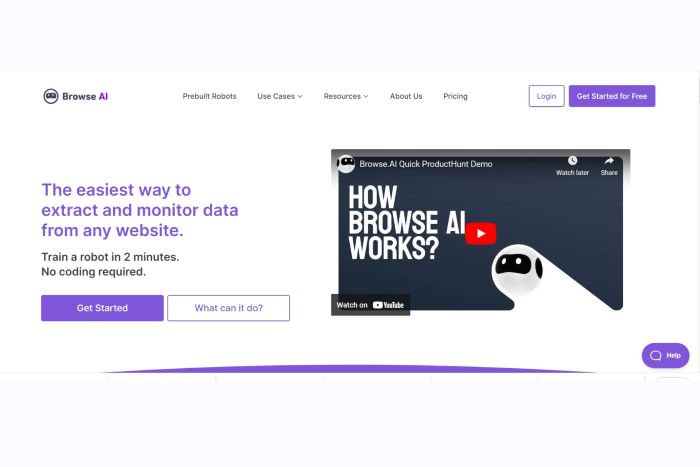
The features of Browse.ai work together to make it an effective online automation tool. Among these features are:
- Data extraction: Browse.ai is capable of extracting data in a wide range of formats, including CSV, Excel, JSON, and XML, from any website.
- Checking: Browse.ai may check websites for updates to their data or content. Email, Slack, or a webhook can be used to notify you of changes.
- Automating tasks: Browse.ai has the ability to automate a number of website actions, including logging in, completing forms, and clicking buttons.
- Prebuilt robots: Browse.ai has a library of built-in robots for common use scenarios. No programming is necessary to operate these robots right away.
Browse.ai: Is it worth it?
4. Mem.AI
Mem AI, short for Memory-based Artificial Intelligence, is an AI framework that combines memory techniques to help robots quickly store and retrieve knowledge. Mem AI, which draws inspiration from human memory systems, aims to mimic the cognitive functions of the human brain to improve AI’s capacity for learning, reasoning, and making defensible decisions.
Mem uses AI to automatically organise your notes and make them simple to find. When you create a new note, Mem employs natural language processing to decipher its content and assign it the appropriate tags. This implies that you can quickly find the note you’re seeking for by looking up any of the tags that have been given to it.
Mem also makes use of AI to recommend related notes. This is an excellent way to find out new information and learn new things. Mem might offer notes you’ve taken on machine learning or natural language processing if you’re working on an artificial intelligence project, for instance.
Features of Mem.ai:
- Collaboration: Mem makes it simple to work together on notes. You can check who has modified a note and you can share notes with other people.
- Search: Mem has an exceptionally robust search function. You can look for notes using tags, keywords, or even the notes’ actual content.
- Formatting: Mem gives you a choice of formatting options for your notes. To your notes, you can add headings, subheadings, lists, and pictures.
- Enhanced productivity: Mem’s AI-powered features can help you find the information you need fast and easily, saving you a lot of time.
- Export: Mem makes it simple to export your notes in a number of formats, such as Markdown, HTML, and PDF.
Mem.ai: Is it worth it?

5. Spin Rewriter AI
Spin Rewriter : You Can Create Original, High-Quality Content With the AI-Powered Article Rewriter
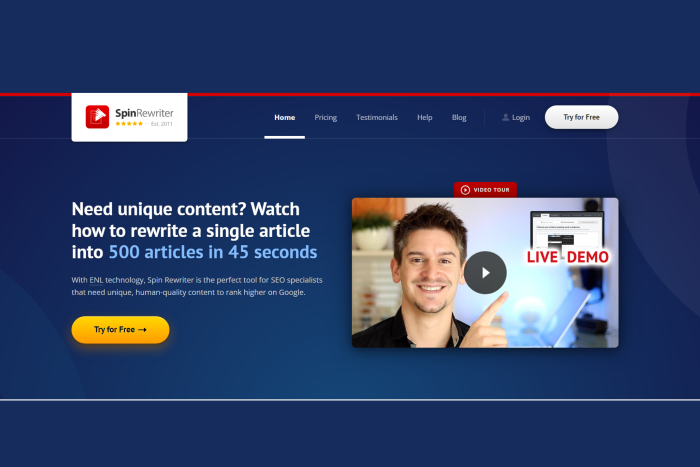
You can produce original, high-quality material using Spin Rewriter’s AI-powered article rewriting tool in a lot less time than it would take to compose it from start. The application makes use of cutting-edge technology to comprehend the context and meaning of each word in your essay. By doing this, Spin Rewriter can produce new text that is identical to the original in terms of both human readableness and semantics.
Features of Spin Rewriter:
- ENL Semantic Spinning: Spin Rewriter differs from other article rewriters due to its use of the ENL Semantic Spinning technology. With the use of this technology, Spin Rewriter is able to comprehend the meaning of each word in your article as well as how it interacts with other words in the sentence. This means that Spin Rewriter can produce new text that is both semantically and human-readablely equivalent to the original.
- Rewriting with a single click: Spin Rewriter’s One-click rewrite tool enables you to quickly create a fresh version of your content. This is a fantastic method for producing fresh material for your website or blog quickly.
- Comparison feature: Spin Rewriter’s comparison tool enables you to compare your article’s original and rewritten versions side by side. This is an excellent approach to guarantee that the revised version still has the same semantic meaning as the original.
- Images without copyright restrictions: Spin Rewriter incorporates a collection of free images. As a result, you may quickly incorporate photographs into your articles that have been revised without having to worry about copyright violations.
- Detailed video instruction: A series of thorough video tutorials that show you how to utilise Spin Rewriter to its fullest extent are included with the programme. These guides make it easy to utilise Spin Rewriter’s sophisticated capabilities and get started with it.
Spin Rewriter: Is it worth it?
6. Midjourney AI
Midjourney : A Powerful AI Art Tool for Creators: Midjourney
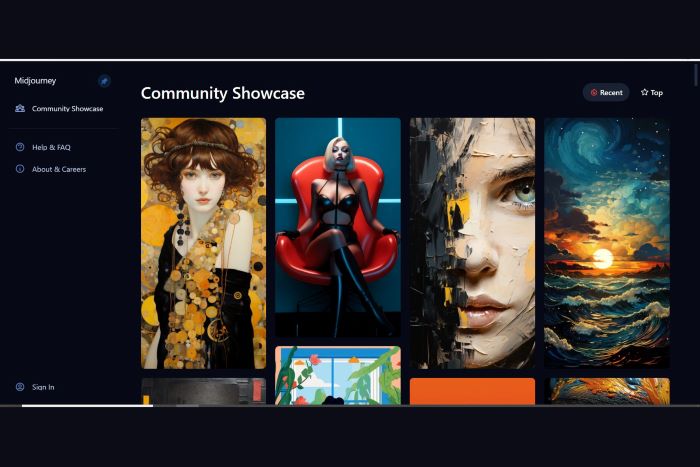
An AI art tool called Midjourney helps users to produce beautiful pictures, paintings, and illustrations in just a couple of clicking a button. The application may be used to create a wide range of diverse artistic styles and employs a vast language model to generate graphics based on user suggestions.
Midjourney acts by first understanding the user’s prompt. The prompt might be as straightforward as a description of what is wanted or as complex as a list of specifics regarding the image’s composition, colours, and style. After the prompt has been comprehended, Midjourney creates a related visual using its extensive language model.
The process of creating photos is iterative, thus Midjourney will keep producing new ones until the user is happy with the outcome. At any stage, the user can give Midjourney input, which the programme will utilise to enhance the photographs it produces.
Features of Midjourney:
- A huge language model: Midjourney can comprehend complex requests and produce accurate visuals thanks to its vast language model.
- Styles: Midjourney may produce graphics in a range of distinct aesthetics, including as realistic, abstract, and cartoon.
- Iterative generation: With Midjourney’s iterative generation technique, users can adjust the images that are produced until they are happy with the results.
- User feedback: Midjourney welcomes user feedback at any moment, which it will use to enhance the photos it produces.
Midjourney: Is it worth it?
7. Merlin AI
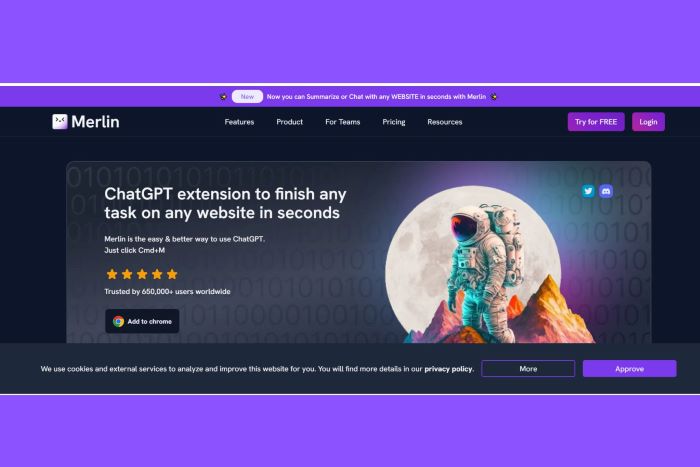
The ability of Merlin AI to understand and produce natural language is at the heart of the system. It has developed an impressive knowledge of human language patterns through training on enormous amounts of text data. Merlin AI has advanced language processing abilities and can analyse and interpret text input. Merlin AI enables people to interact with complicated textual material easily, from responding to queries to summarising lengthy papers.
Merlin AI is an effective AI technology that may be used for a variety of jobs, such as:
- Virtual conversation: Merlin is capable of having interesting and educational talks. It can give you answers, provide you summaries of factual subjects, and even tell you stories.
- Finding solutions to complex problems: Merlin has access to a wealth of knowledge and can use this knowledge to provide thorough and in-depth answers to your concerns.
- Increasing productivity: Merlin can automate many of the tasks you perform regularly, such as sending emails, making presentations, and conducting research. Your time may be freed up as a result, allowing you to concentrate on more crucial issues.
One of the most potent language models in the world, the Davinci AI model, powers Merlin AI. This implies that Merlin can comprehend complex questions, provide intelligent answers, and produce original material that is both educational and interesting.
Features of Merlin Ai:
- Strong language model: One of the strongest language models in the world, the Davinci AI model, powers Merlin. This implies that Merlin is able to comprehend difficult inquiries, answer to them, and produce original literature that is both educational and entertaining.
- Merlin is quite simple to use. Simply ask Merlin a question or give it a directive, and it will try its best to comply.
- Versatile: Merlin may be used for a wide range of tasks, including as participating in virtual conversations, locating solutions to challenging problems, developing gripping stories, and increasing productivity.
Merlin: Is it Worth it?
8. Runway AI
Runway Ai : Future Trends in Video Editing
A web-based video editing programme called Runway AI employs machine learning to help users in producing videos of excellent quality. Without any prior video editing skills, you can quickly erase backgrounds, apply special effects, and produce spectacular graphics using Runway AI.
Runway AI is a complete AI toolbox that allows users to apply machine learning algorithms to their creative advantage. The interface it offers is simple and intuitive, bridging the divide between creative people and sophisticated AI systems. Runway AI offers a variety of tools and models to help you unleash your creativity and push the envelope of what is possible, regardless of whether you are an artist, designer, or developer.
Features of Runway Ai:
Runway AI is a strong tool for video editing thanks to its many features. Among the essential features are:
- Removal background: One of the best background removal tools available is from Runway AI. Even with complicated or congested backdrops, it can swiftly and simply remove them from films.
- Special effects: Runway AI offers a range of special effects that you may utilise to breathe excitement and originality into your videos. Motion tracking, blurring, and colour correction are a few examples of these effects.
- Visual creation: Designing amazing visuals from scratch is another feature of Runway AI. Images, films, and even 3D models can be produced with the tool’s AI-driven generators.
Runway: Is it worth it?

9. BEAUTIFUL. AI
Beautiful.ai : Your presentations will look stunning due to the AI-powered presentation tool.
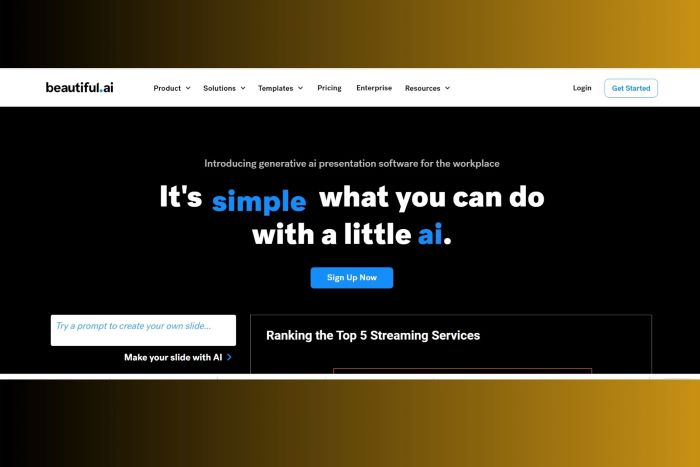
It can be difficult to create presentations, especially if you’re not a designer. But with Beautiful.ai, you can make presentations that look good in a matter of minutes. You may produce gorgeous presentations with the aid of the AI-powered presentation tool Beautiful.ai, which leverages machine learning.
The solution is Beautiful.ai. An AI-powered presentation tool called Beautiful.ai makes it simple to put together polished presentations quickly. You can choose from a choice of pre-designed templates with Beautiful.ai, or you can make your own from scratch. The AI in the programme will then assist you with formatting your content, selecting colours, and including images and videos.
Additionally, Beautiful.ai has a variety of tools that make it simple to work with others on presentations. Presentations can be shared with team members, and real-time modifications to presentations can be followed.
Features of Beautiful.ai
Beautiful.ai is an effective tool for making presentations because it has a variety of features. These features consist of:
- Pre-designed template library: You can utilise over 100 pre-designed templates from Beautiful.ai’s library to create your presentations. Since these templates were created by experts, you can be confident that they will make your presentations appear fantastic.
- AI-powered design assistance: The presentation design tool Beautiful.ai makes use of AI. This means that the fonts, colours, and layouts the tool suggests will all be ones that fit well together.
- Drag-and-drop functionality: Adding content to your presentations is straightforward using Beautiful.ai’s drag-and-drop functionality. With a few clicks, you can quickly add text, photographs, videos, and more.
- Tools for collaboration: You can work together on presentations with Beautiful.ai. As a result, you can collaborate with your team to produce presentations, or you can share them with clients or coworkers for feedback.
Beautiful.ai: Is it worth it?
10: Descript AI
- Digital transcription: Your audio and video recordings can be automatically transcribed by Descript, making it simple to make transcripts or do text searches for particular terms or phrases.
- Speaker recognition: Descript’s automatic speaker identification and labelling capabilities make it simple to keep track of who is saying what in your recordings.
- Editing of audio and video: A complete set of tools for audio and video editing, including the ability to cut, split, and merge clips, add effects, and change audio levels, are available through Descript.
- Collaboration: Descript makes it simple to work together on a single file and share feedback on your projects with others.
- Publishing: Publish your movies and podcasts easily on the web, social media, and other platforms using Descript.
Descript : is it worth it?
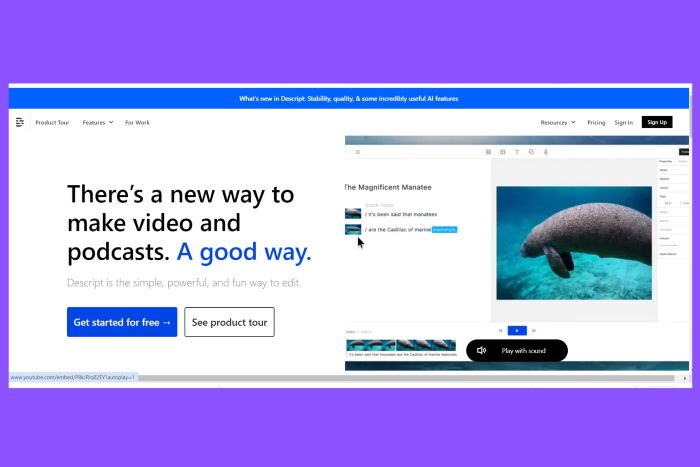
For everyone who produces or edits audio and video content, Descript is a useful tool. It’s a terrific option for both beginners and experts because it’s simple to use, strong, and adaptable.
Conclusion
AI is an outstanding technology with the potential to completely change how businesses run. Businesses may increase their production, efficiency, and customer service by embracing AI. But it’s vital to keep in mind that AI is not a panacea. It is a tool that can be employed to support human intelligence; but, it cannot take the place of human discretion.
It’s crucial to begin with comprehending your needs and goals if you’re thinking about implementing AI in your company. What operations would you like to automate? What knowledge do you hope to discover from your data? When you are clear on your goals, you may begin to investigate the many AI tools that are accessible.
When selecting an AI tool, there are many things to take into account, including price, complexity, and compatibility with your current systems. Additionally, it’s crucial to confirm that the instrument is being employed morally and properly.
AI can be a useful tool for your company if you’re ready to invest in it. However, it’s crucial to deploy AI responsibly and in a way that benefits both your consumers and your staff.
Join us as you begin your Shopify journey
We are e-commerce specialists and Shopify Partners. Get in touch with us if you need assistance with Shopify, need a whole website built, or have any other general questions.